 Get it on your desk →
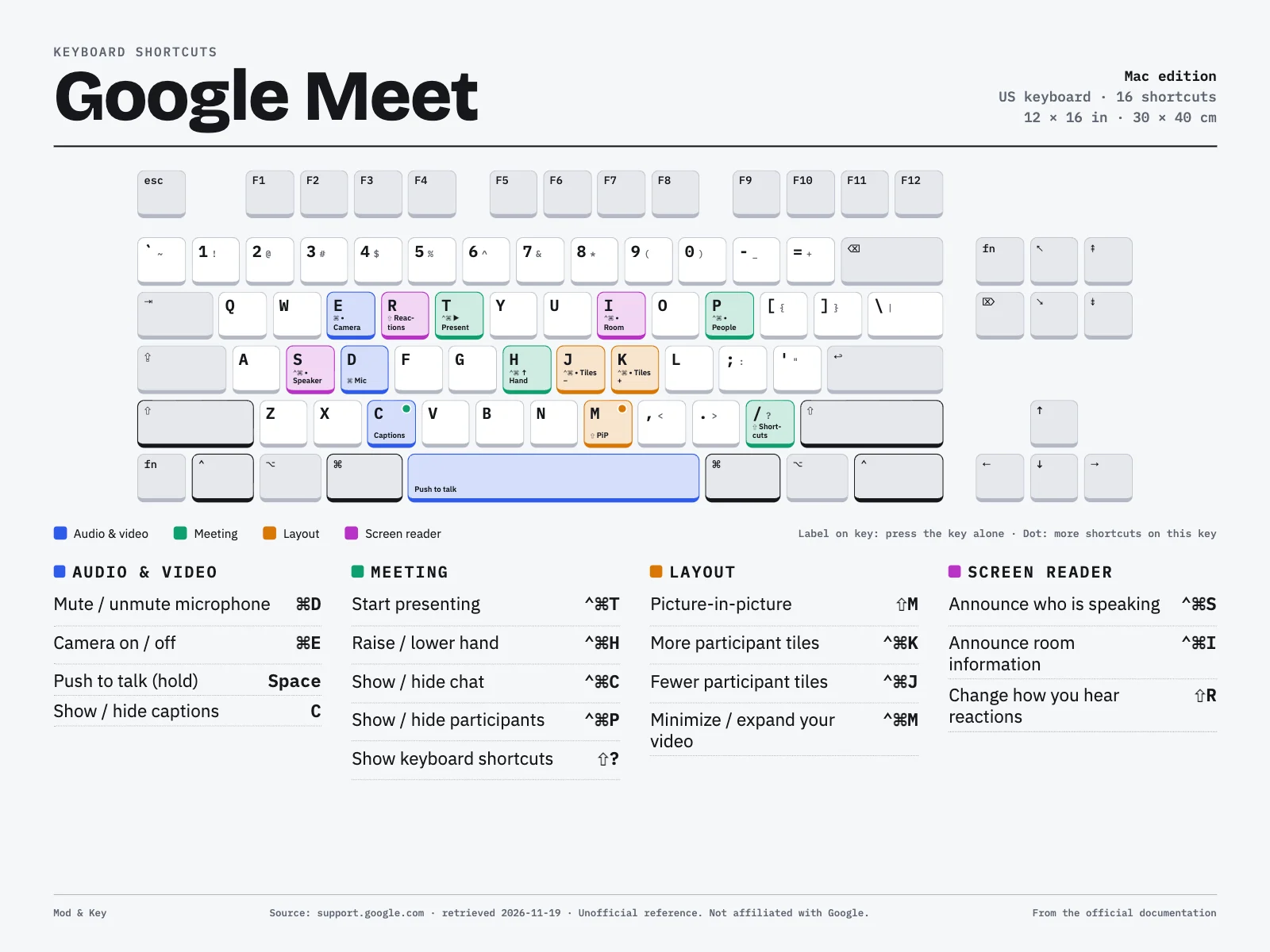
The most used Google Meet shortcuts on Mac: Mute / unmute microphone (⌘D), Camera on / off (⌘E), Show / hide captions (C), Start presenting (⌃⌘T), Raise / lower hand (⌃⌘H). This page lists all 16, from the official documentation.
16 Google Meet keyboard shortcuts for Mac, grouped into Audio & video, Meeting, Layout, Screen reader. Every key is copied from support.google.com (retrieved November 19, 2026) and shown on a real keyboard layout.
On Mac, 7 of these 16 shortcuts are the Windows ones with ⌘ in place of Ctrl; 9 are different, for example Start presenting (⌃⌘T; Windows: Ctrl+Alt+T), Raise / lower hand (⌃⌘H; Windows: Ctrl+Alt+H), Show / hide chat (⌃⌘C; Windows: Ctrl+Alt+C).
Google Meet keyboard map
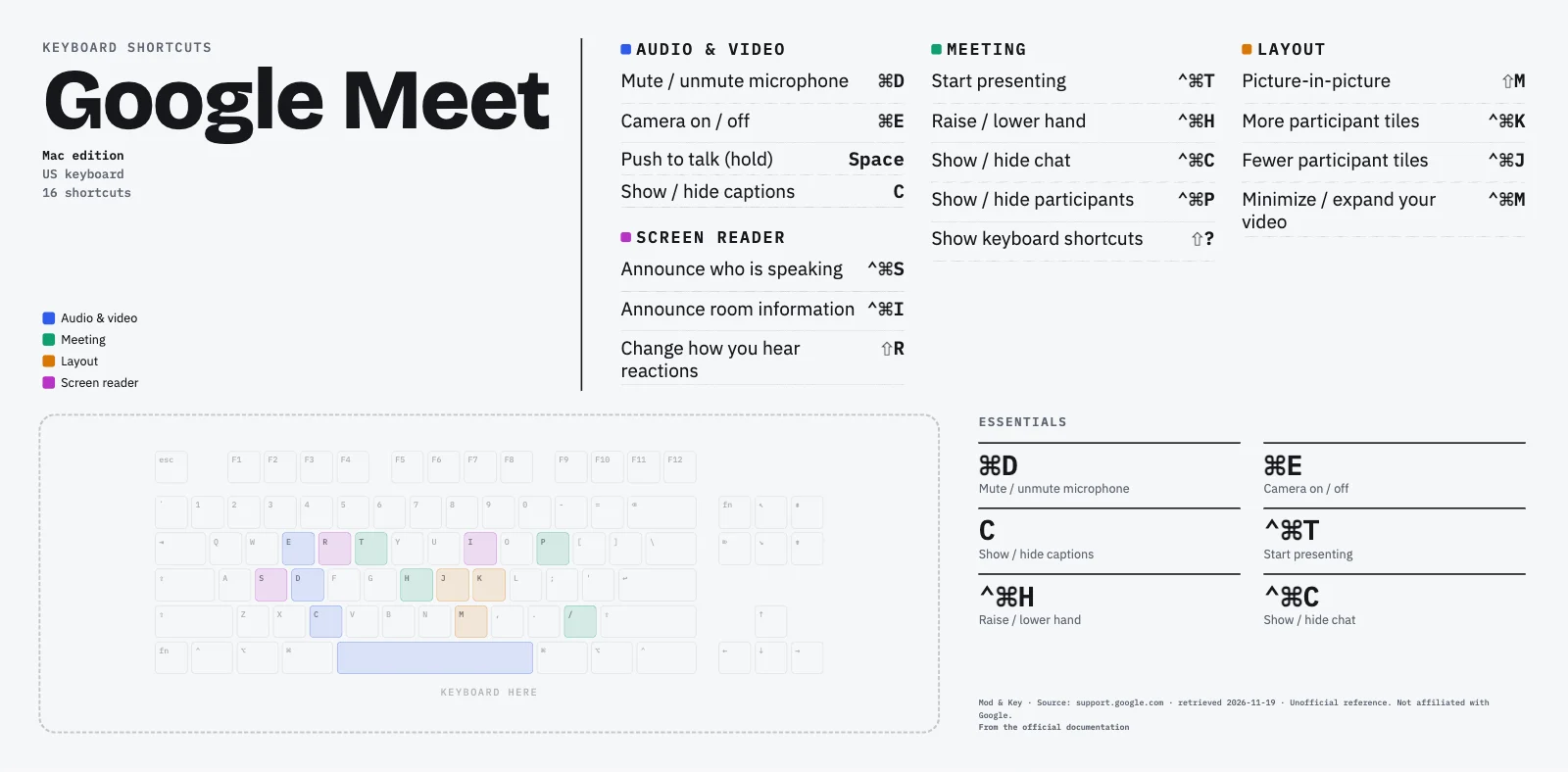
Pick your keyboard and a modifier. Keys with a shortcut light up; point at or tap a key to see everything on it. Try it: hold ⌘ Cmd on your keyboard
More shortcuts on this key with other modifiers.
With ⌃⌘9 keys
All Google Meet keyboard shortcuts for Mac
No shortcut matches that search.
Audio & video4
| Command | Shortcut |
|---|---|
| Mute / unmute microphone | ⌘D |
| Camera on / off | ⌘E |
| Push to talk (hold) | Space |
| Show / hide captions | C |
Meeting5
| Command | Shortcut |
|---|---|
| Start presenting | ⌃⌘T |
| Raise / lower hand | ⌃⌘H |
| Show / hide chat | ⌃⌘C |
| Show / hide participants | ⌃⌘P |
| Show keyboard shortcuts | ⇧? |
Layout4
| Command | Shortcut |
|---|---|
| Picture-in-picture | ⇧M |
| More participant tiles | ⌃⌘K |
| Fewer participant tiles | ⌃⌘J |
| Minimize / expand your video | ⌃⌘M |
Screen reader3
| Command | Shortcut |
|---|---|
| Announce who is speaking | ⌃⌘S |
| Announce room information | ⌃⌘I |
| Change how you hear reactions | ⇧R |
Source: Google · support.google.com · retrieved . Unofficial reference. Not affiliated with Google. How we source shortcuts →
Free printable Google Meet cheat sheet
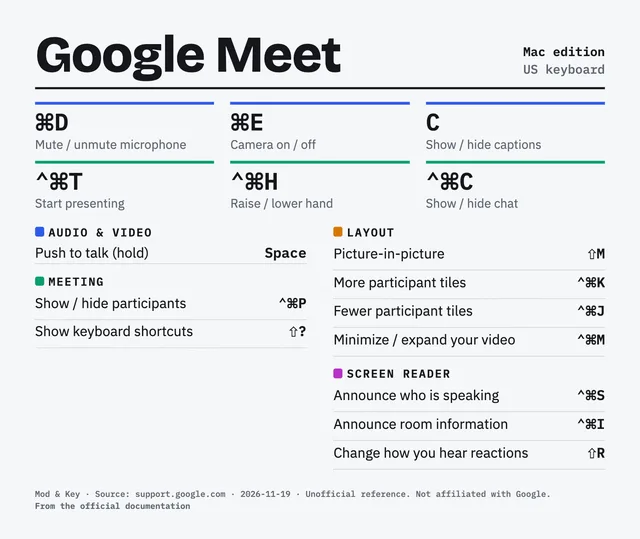
The essential shortcuts on one page (PDF, 24 × 20 cm), for your keyboard and language.
Google Meet shortcut questions
- What is the shortcut for “Mute / unmute microphone” in Google Meet on Mac?
- Press ⌘D. That is the shortcut for “Mute / unmute microphone” in Google Meet on Mac, as given in the official documentation.
- What is the shortcut for “Camera on / off” in Google Meet on Mac?
- Press ⌘E. That is the shortcut for “Camera on / off” in Google Meet on Mac, as given in the official documentation.
- What is the shortcut for “Show / hide captions” in Google Meet on Mac?
- Press C. That is the shortcut for “Show / hide captions” in Google Meet on Mac, as given in the official documentation.
- Where do these Google Meet shortcuts come from?
- From Google’s official documentation at support.google.com, retrieved November 19, 2026. Every key is copied from there, never from other websites.