Keyboard shortcuts for office work
Spreadsheets, documents, mail and meetings: the shortcuts that save the most clicks in a working day, in your language and on your keyboard layout.
Apps in this guide
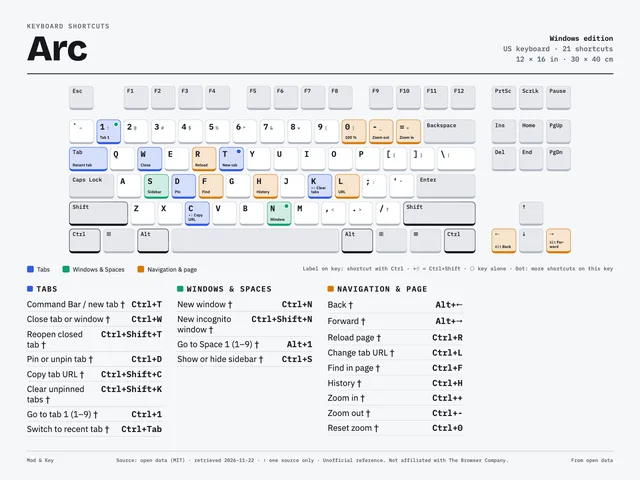
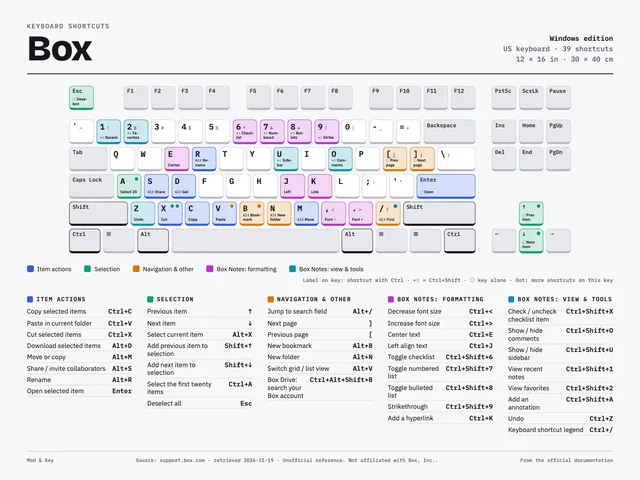
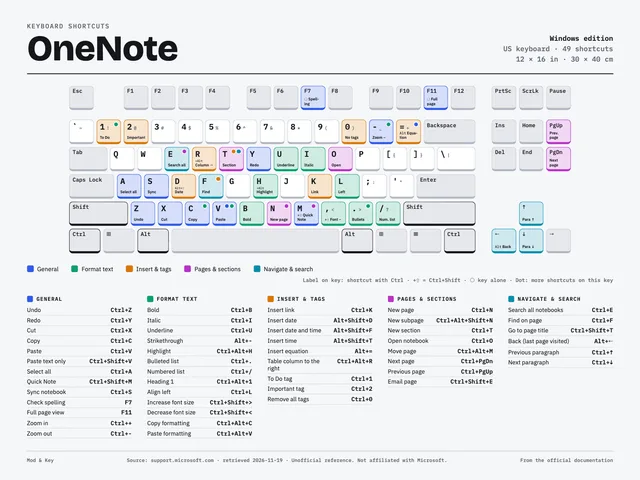
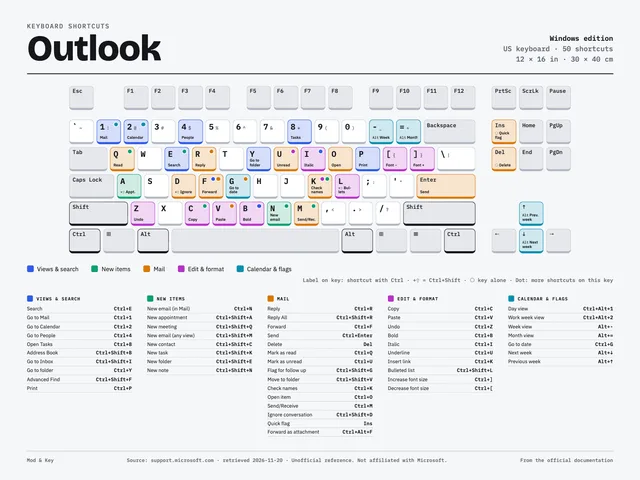
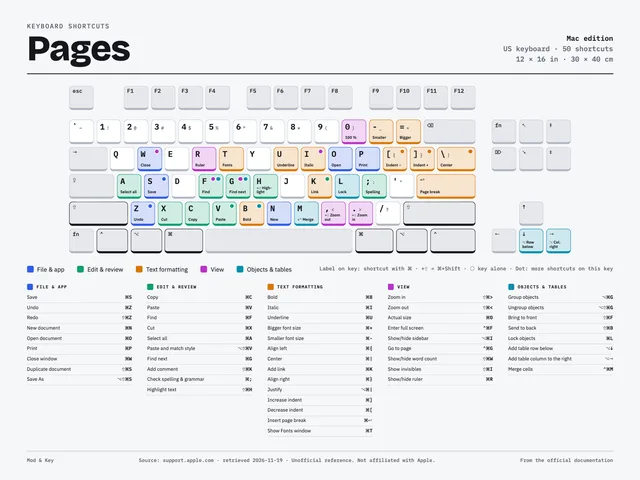
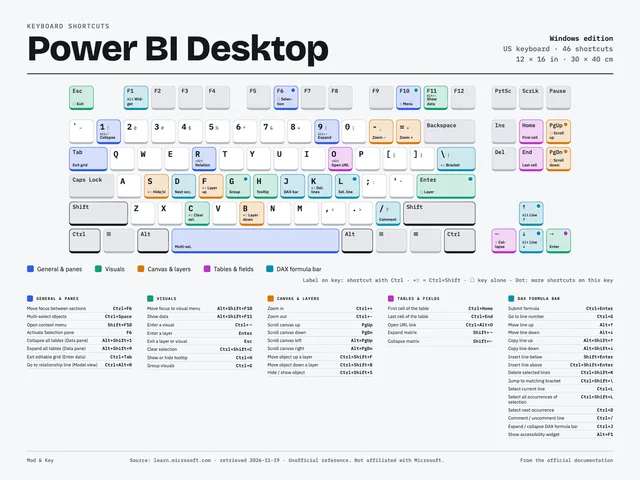
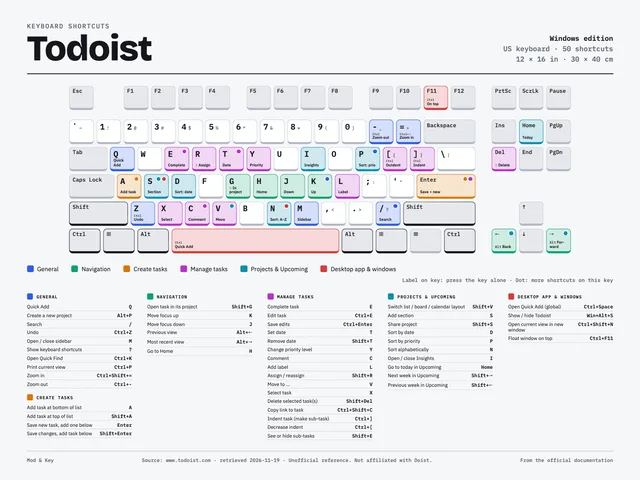
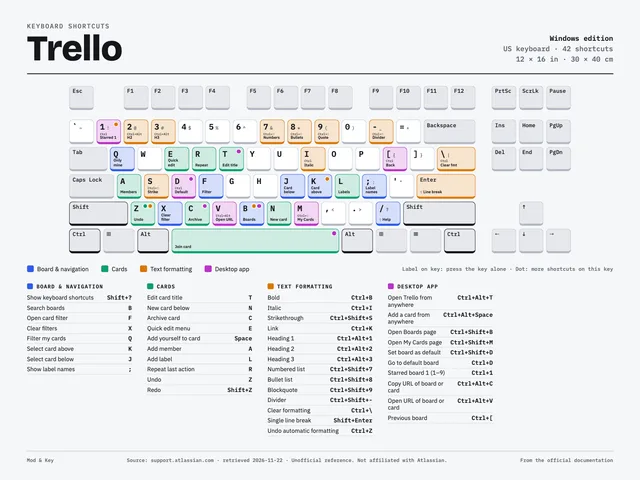
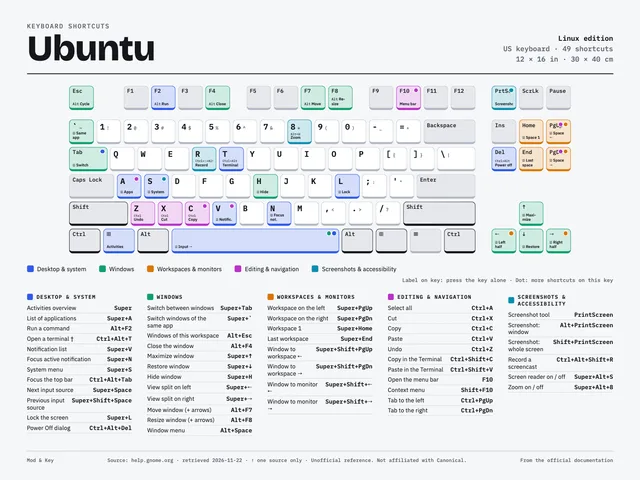
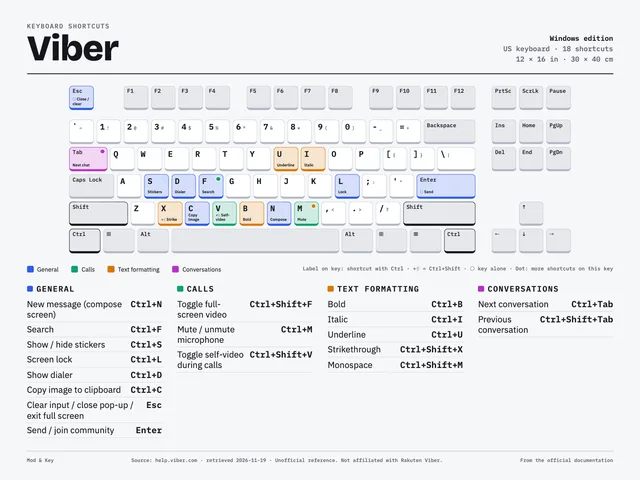
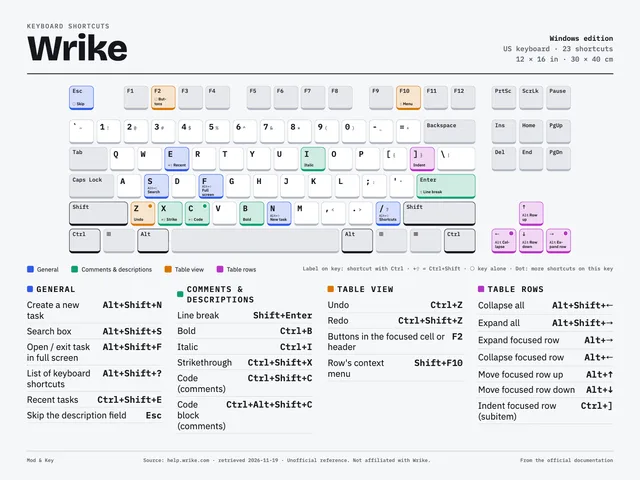
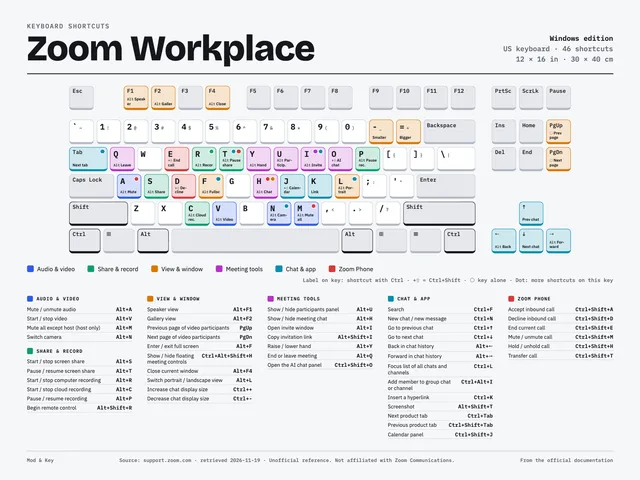
Where to start
The most-used shortcut of every category, from each app.
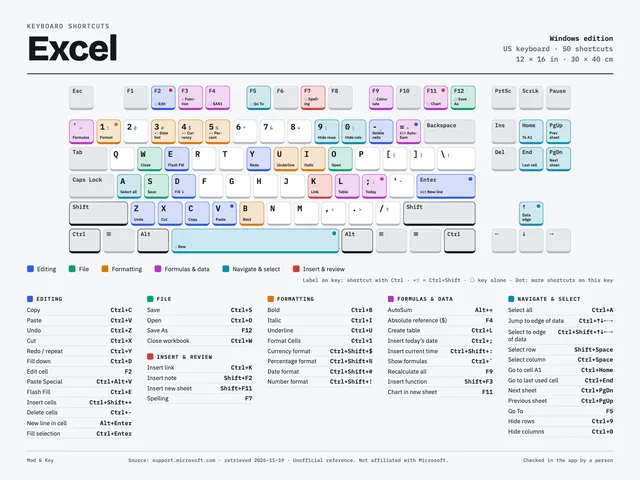
ExcelWindows
Copy · EditingCtrl+C
Save · FileCtrl+S
Bold · FormattingCtrl+B
AutoSum · Formulas & dataAlt+=
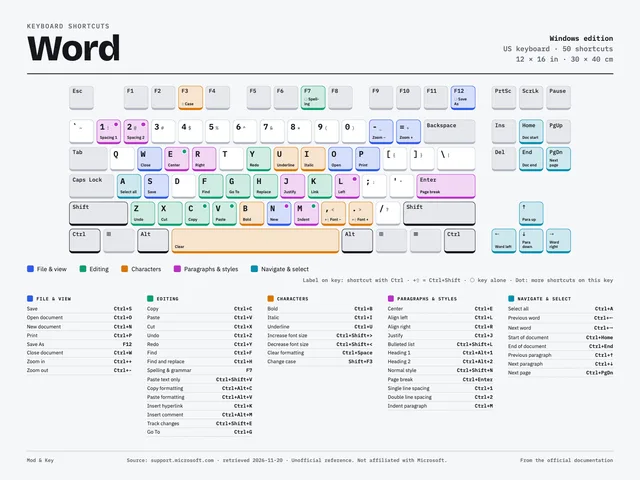
WordWindows
Save · File & viewCtrl+S
Copy · EditingCtrl+C
Bold · CharactersCtrl+B
Center · Paragraphs & stylesCtrl+E
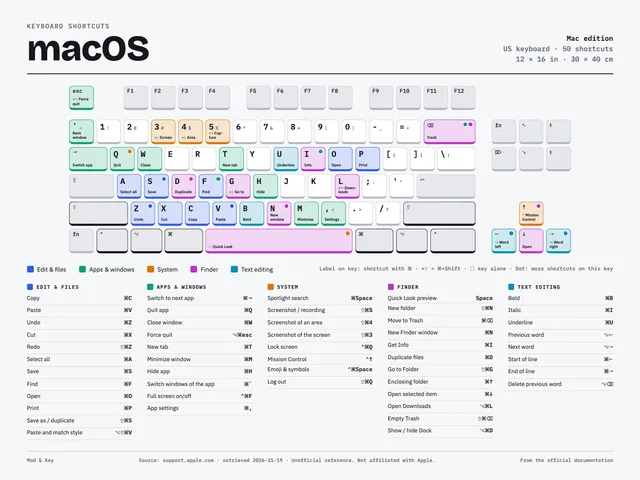
macOSMac
Copy · Edit & files⌘C
Switch to next app · Apps & windows⌘⇥
Spotlight search · System⌘Space
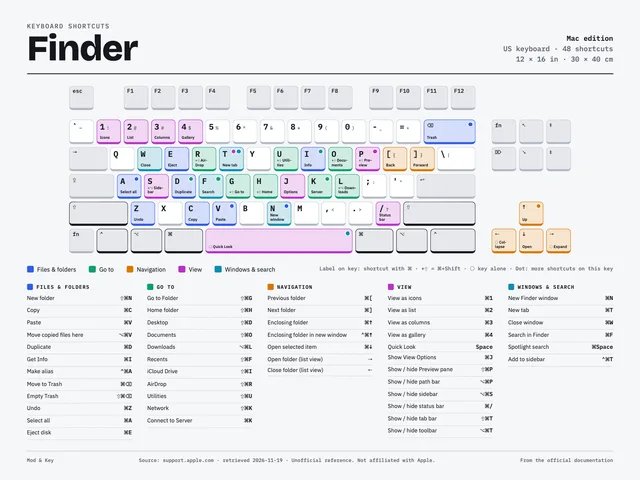
Quick Look preview · FinderSpace
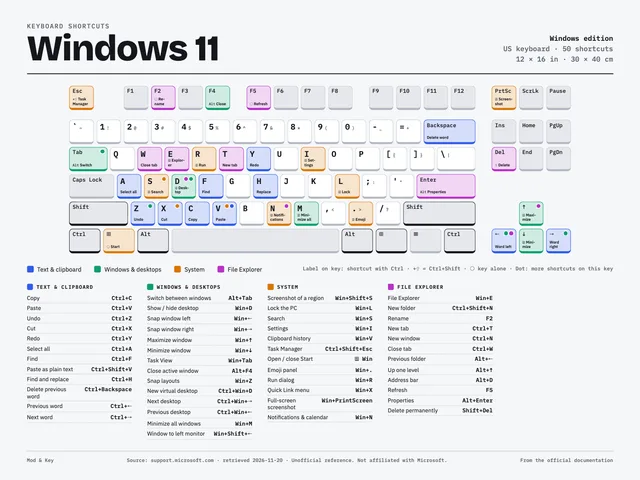
Windows 11Windows
Copy · Text & clipboardCtrl+C
Switch between windows · Windows & desktopsAlt+Tab
Screenshot of a region · SystemWin+Shift+S
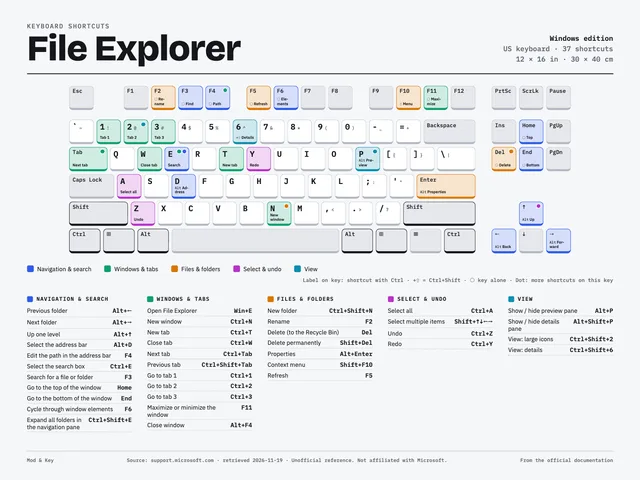
File Explorer · File ExplorerWin+E
PowerPointWindows
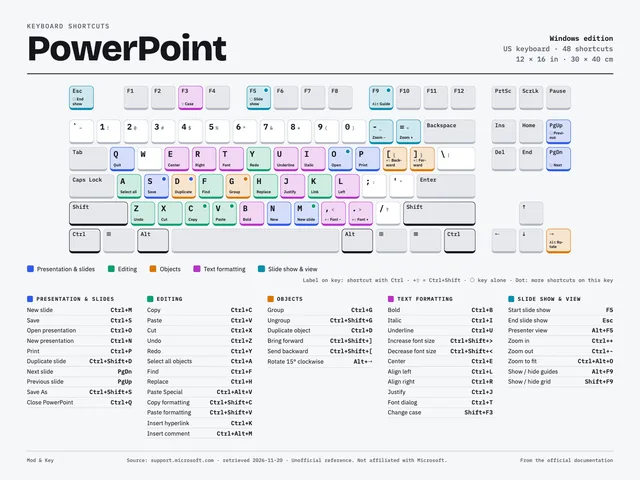
New slide · Presentation & slidesCtrl+M
Copy · EditingCtrl+C
Group · ObjectsCtrl+G
Bold · Text formattingCtrl+B
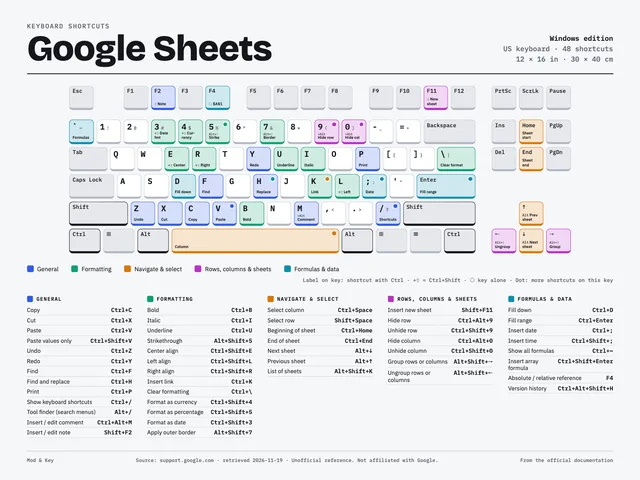
Google SheetsWindows
Copy · GeneralCtrl+C
Bold · FormattingCtrl+B
Select column · Navigate & selectCtrl+Space
Insert new sheet · Rows, columns & sheetsShift+F11
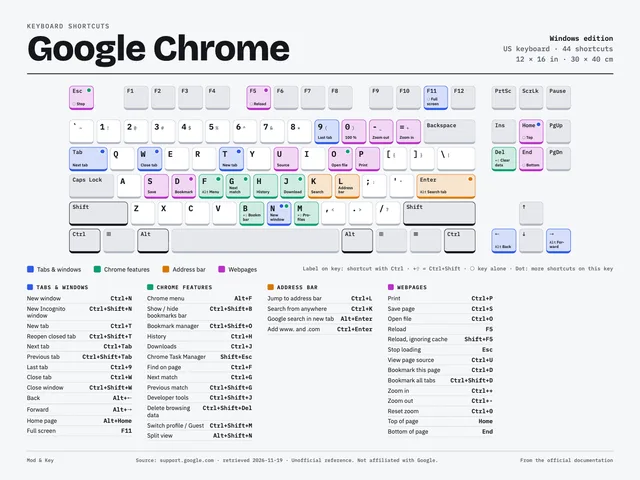
Google ChromeWindows
New Incognito window · Tabs & windowsCtrl+Shift+N
Find on page · Chrome featuresCtrl+F
Jump to address bar · Address barCtrl+L
Print · WebpagesCtrl+P
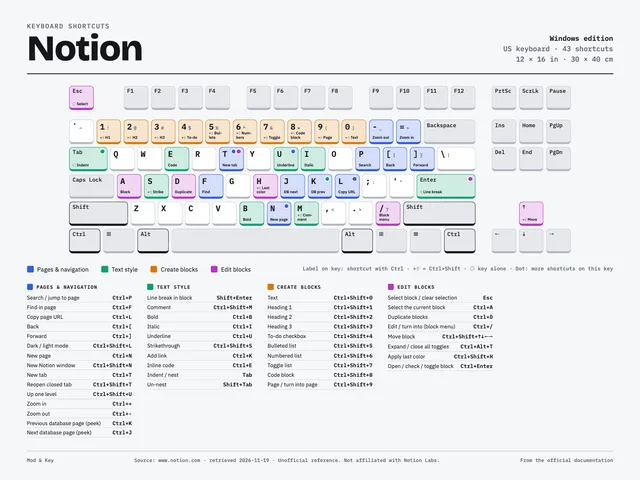
NotionWindows
Search / jump to page · Pages & navigationCtrl+P
Bold · Text styleCtrl+B
Text · Create blocksCtrl+Shift+0
Edit / turn into (block menu) · Edit blocksCtrl+/
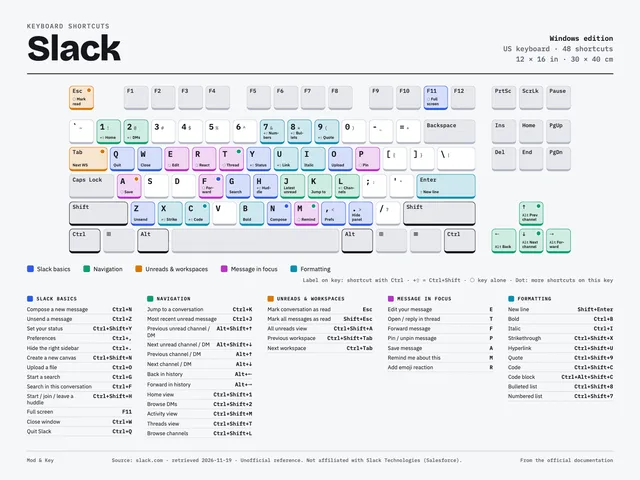
SlackWindows
Compose a new message · Slack basicsCtrl+N
Jump to a conversation · NavigationCtrl+K
Mark conversation as read · Unreads & workspacesEsc
Open / reply in thread · Message in focusT
GmailWindows
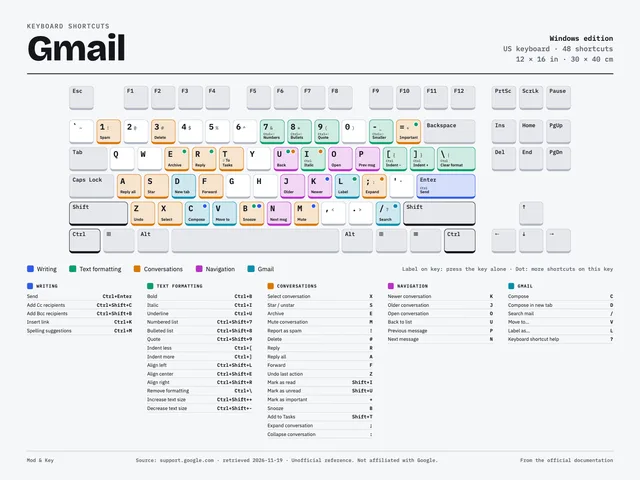
Send · WritingCtrl+Enter
Bold · Text formattingCtrl+B
Archive · ConversationsE
Newer conversation · NavigationK
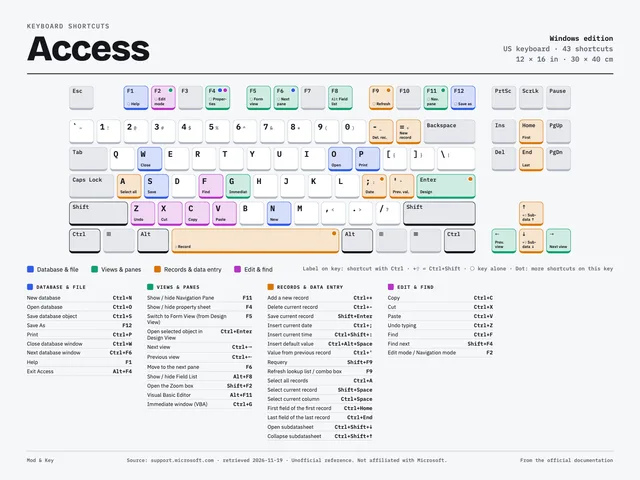
AccessWindows
Save database object · Database & fileCtrl+S
Show / hide Navigation Pane · Views & panesF11
Add a new record · Records & data entryCtrl++
Undo typing · Edit & findCtrl+Z
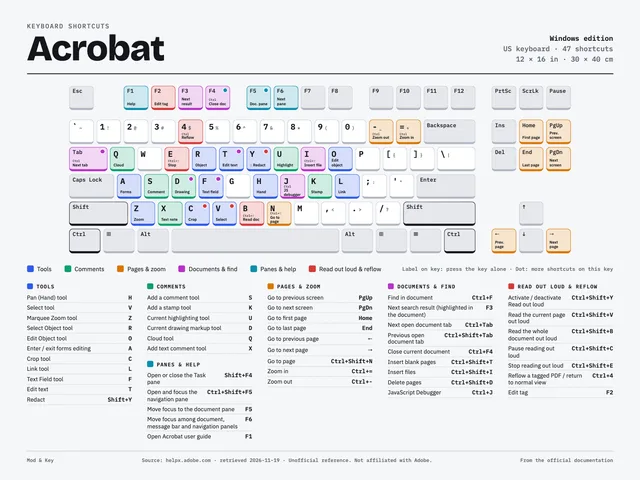
AcrobatWindows
Pan (Hand) tool · ToolsH
Add a comment tool · CommentsS
Zoom in · Pages & zoomCtrl+=
Find in document · Documents & findCtrl+F
Tip
Localized apps change letters: German Excel uses Ctrl+Shift+F for bold. Our pages show the shortcuts of your language version.