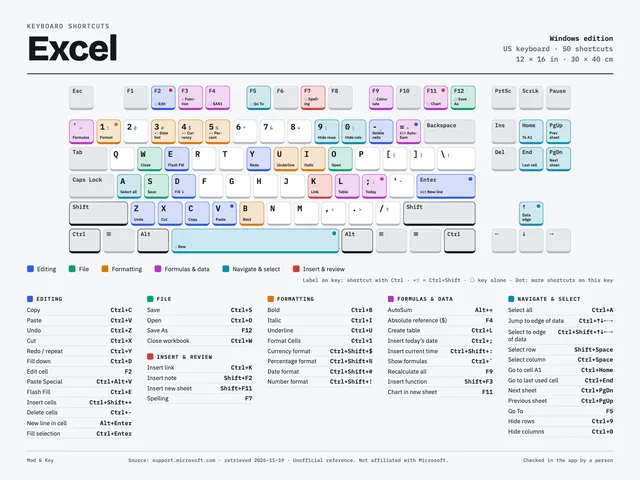
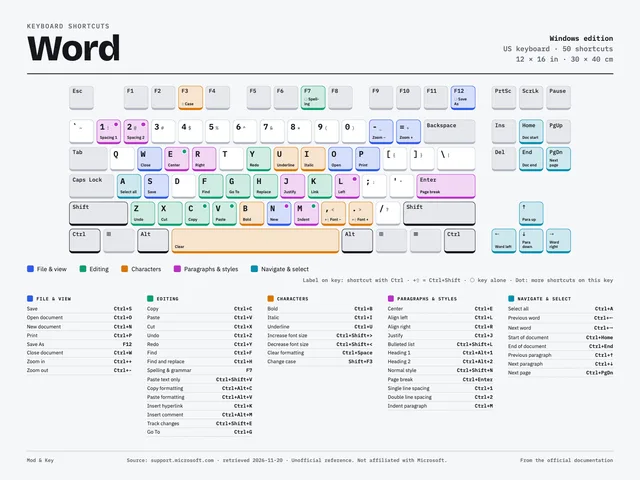
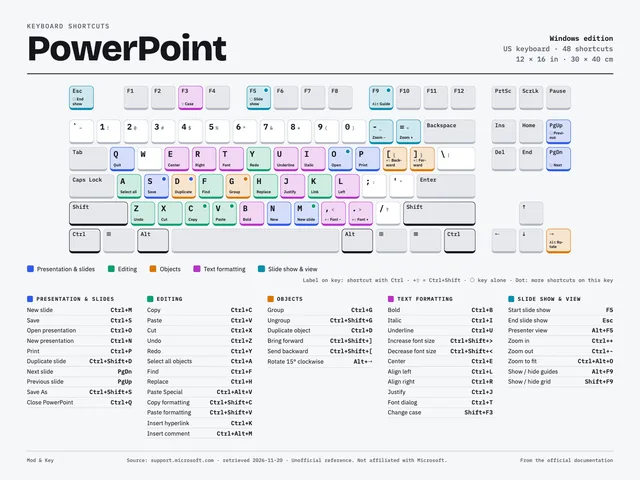
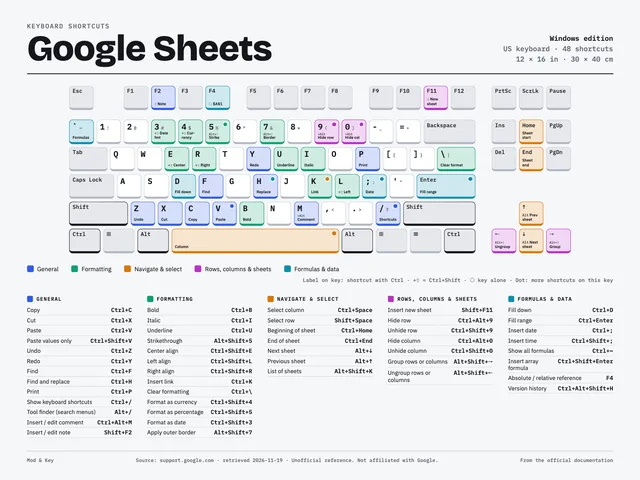
 Get it on your desk →
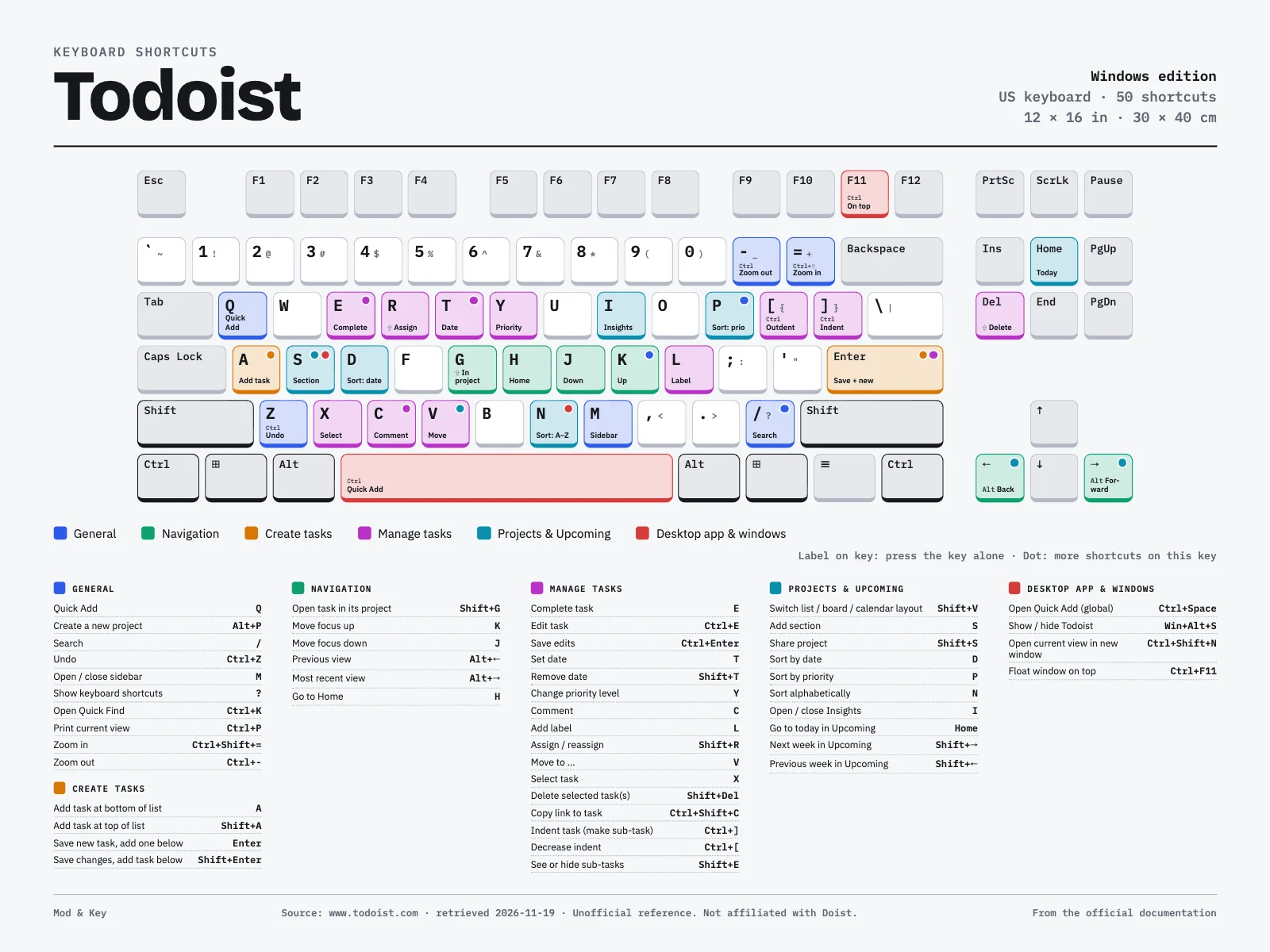
The most used Todoist shortcuts on Windows: Quick Add (Q), Undo (Ctrl+Z), Open Quick Find (Ctrl+K), Add task at bottom of list (A), Complete task (E). This page lists all 50, from the official documentation.
50 Todoist keyboard shortcuts for Windows, grouped into General, Navigation, Create tasks, Manage tasks, Projects & Upcoming, Desktop app & windows. Every key is copied from www.todoist.com (retrieved November 19, 2026) and shown on a real keyboard layout.
On Windows, 40 of these 50 shortcuts are the Mac ones with Ctrl in place of ⌘; 10 are different, for example Zoom in (Ctrl+Shift+=; Mac: ⌘=), Previous view (Alt+←; Mac: ⌘[), Most recent view (Alt+→; Mac: ⌘]).
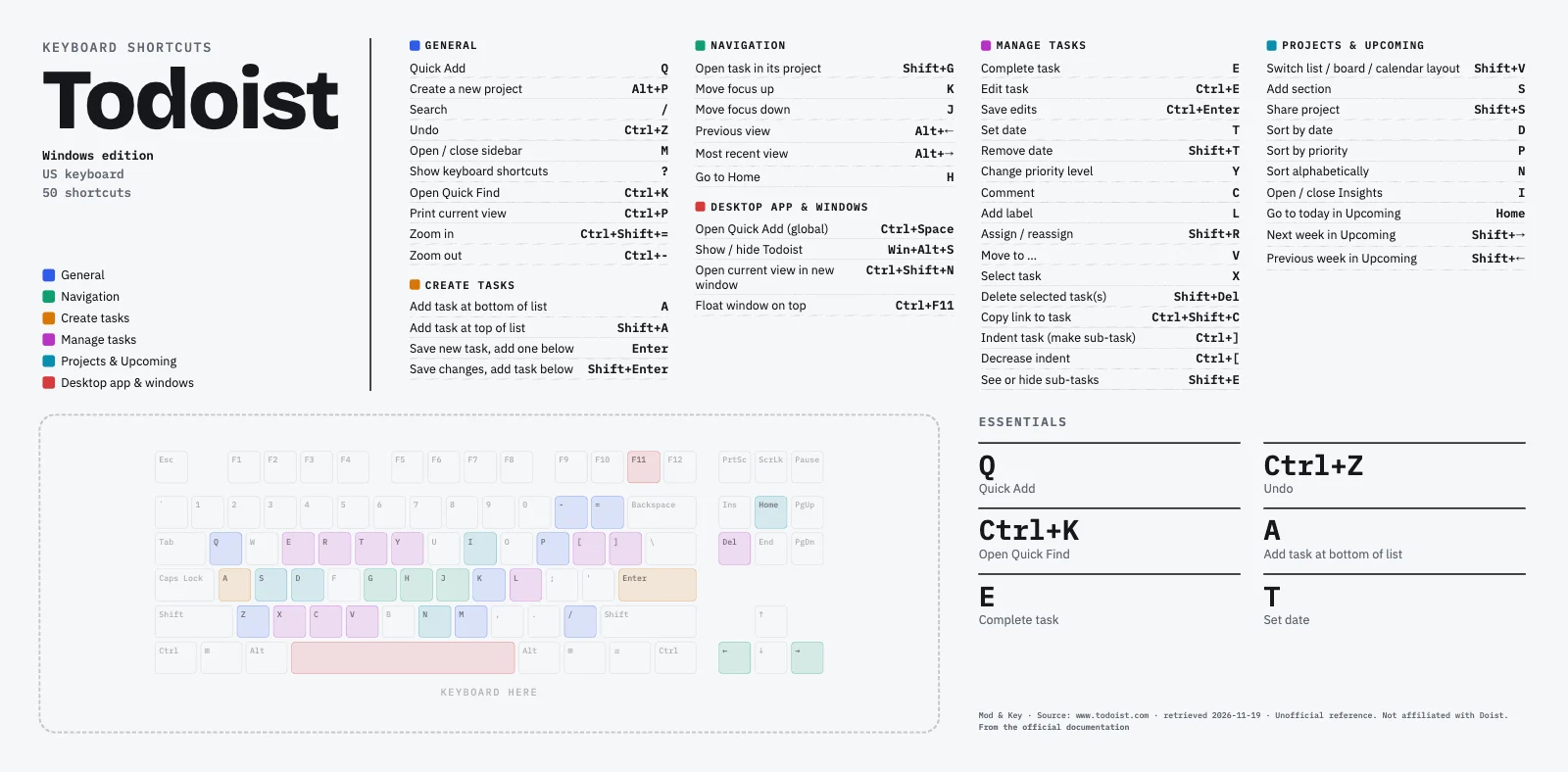
Todoist keyboard map
Pick your keyboard and a modifier. Keys with a shortcut light up; point at or tap a key to see everything on it. Try it: hold Ctrl on your keyboard
More shortcuts on this key with other modifiers.
Key alone21 keys
All Todoist keyboard shortcuts for Windows
No shortcut matches that search.
General10
| Command | Shortcut |
|---|---|
| Quick Add | Q |
| Create a new project | Alt+P |
| Search | / |
| Undo | Ctrl+Z |
| Open / close sidebar | M |
| Show keyboard shortcuts | ? |
| Open Quick Find | Ctrl+K |
| Print current view | Ctrl+P |
| Zoom in | Ctrl+Shift+= |
| Zoom out | Ctrl+- |
Navigation6
| Command | Shortcut |
|---|---|
| Open task in its project | Shift+G |
| Move focus up | K |
| Move focus down | J |
| Previous view | Alt+← |
| Most recent view | Alt+→ |
| Go to Home | H |
Create tasks4
| Command | Shortcut |
|---|---|
| Add task at bottom of list | A |
| Add task at top of list | Shift+A |
| Save new task, add one below | Enter |
| Save changes, add task below | Shift+Enter |
Manage tasks16
| Command | Shortcut |
|---|---|
| Complete task | E |
| Edit task | Ctrl+E |
| Save edits | Ctrl+Enter |
| Set date | T |
| Remove date | Shift+T |
| Change priority level | Y |
| Comment | C |
| Add label | L |
| Assign / reassign | Shift+R |
| Move to … | V |
| Select task | X |
| Delete selected task(s) | Shift+Del |
| Copy link to task | Ctrl+Shift+C |
| Indent task (make sub-task) | Ctrl+] |
| Decrease indent | Ctrl+[ |
| See or hide sub-tasks | Shift+E |
Projects & Upcoming10
| Command | Shortcut |
|---|---|
| Switch list / board / calendar layout | Shift+V |
| Add section | S |
| Share project | Shift+S |
| Sort by date | D |
| Sort by priority | P |
| Sort alphabetically | N |
| Open / close Insights | I |
| Go to today in Upcoming | Home |
| Next week in Upcoming | Shift+→ |
| Previous week in Upcoming | Shift+← |
Desktop app & windows4
| Command | Shortcut |
|---|---|
| Open Quick Add (global) | Ctrl+Space |
| Show / hide Todoist | Win+Alt+S |
| Open current view in new window | Ctrl+Shift+N |
| Float window on top | Ctrl+F11 |
Source: Doist · www.todoist.com · retrieved . Unofficial reference. Not affiliated with Doist. How we source shortcuts →
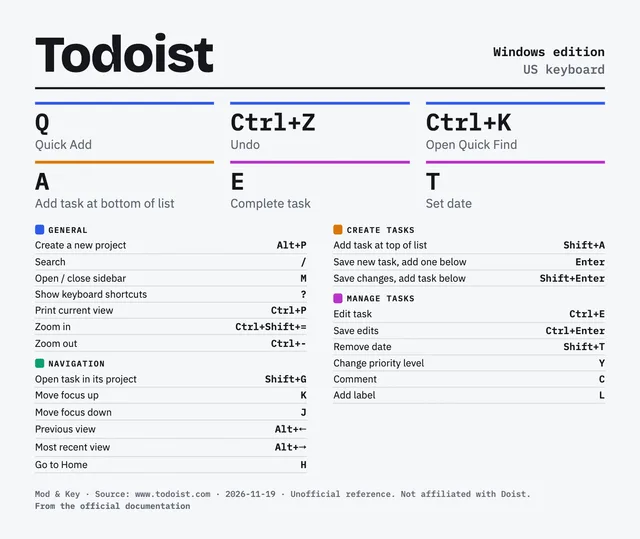
Free printable Todoist cheat sheet
The essential shortcuts on one page (PDF, 24 × 20 cm), for your keyboard and language.
Todoist shortcut questions
- What is the shortcut for “Quick Add” in Todoist on Windows?
- Press Q. That is the shortcut for “Quick Add” in Todoist on Windows, as given in the official documentation.
- What is the shortcut for “Undo” in Todoist on Windows?
- Press Ctrl+Z. That is the shortcut for “Undo” in Todoist on Windows, as given in the official documentation.
- What is the shortcut for “Open Quick Find” in Todoist on Windows?
- Press Ctrl+K. That is the shortcut for “Open Quick Find” in Todoist on Windows, as given in the official documentation.
- Where do these Todoist shortcuts come from?
- From Doist’s official documentation at www.todoist.com, retrieved November 19, 2026. Every key is copied from there, never from other websites.