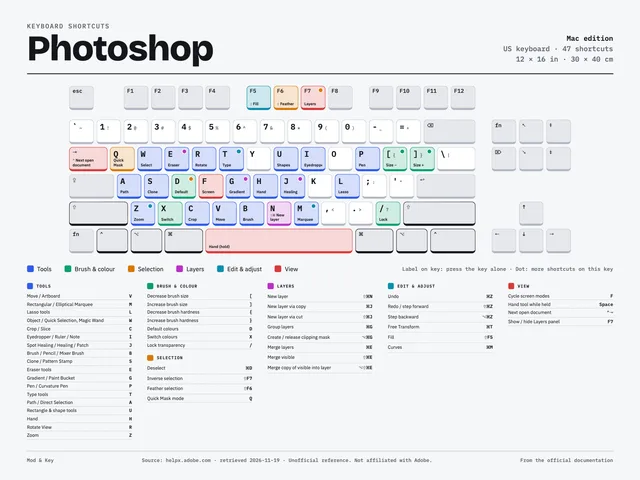
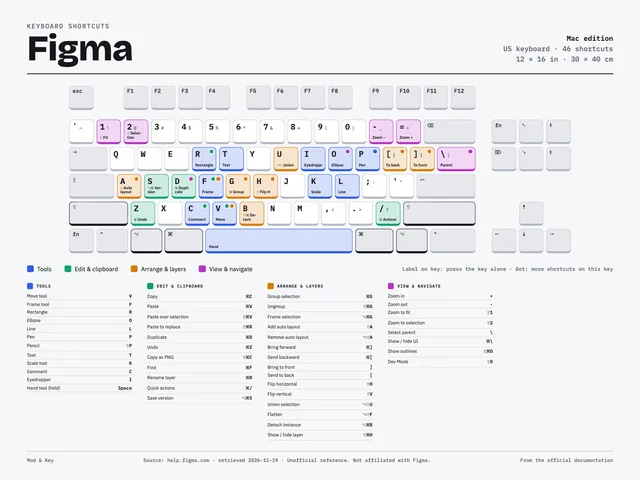
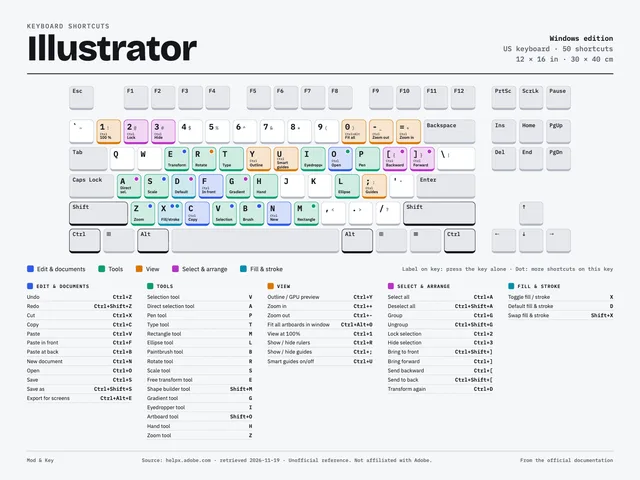
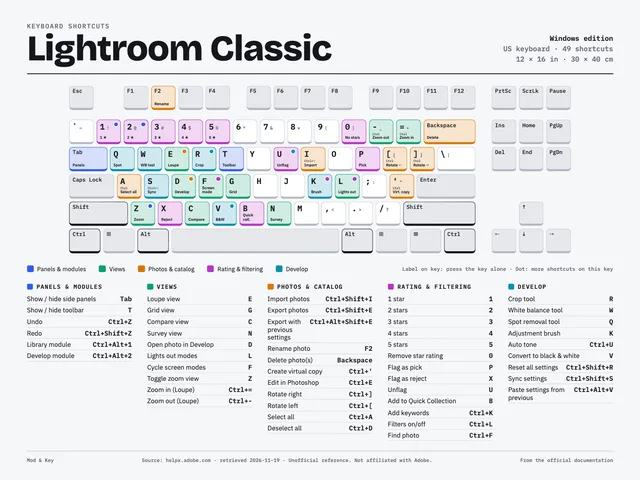
 Get it on your desk →
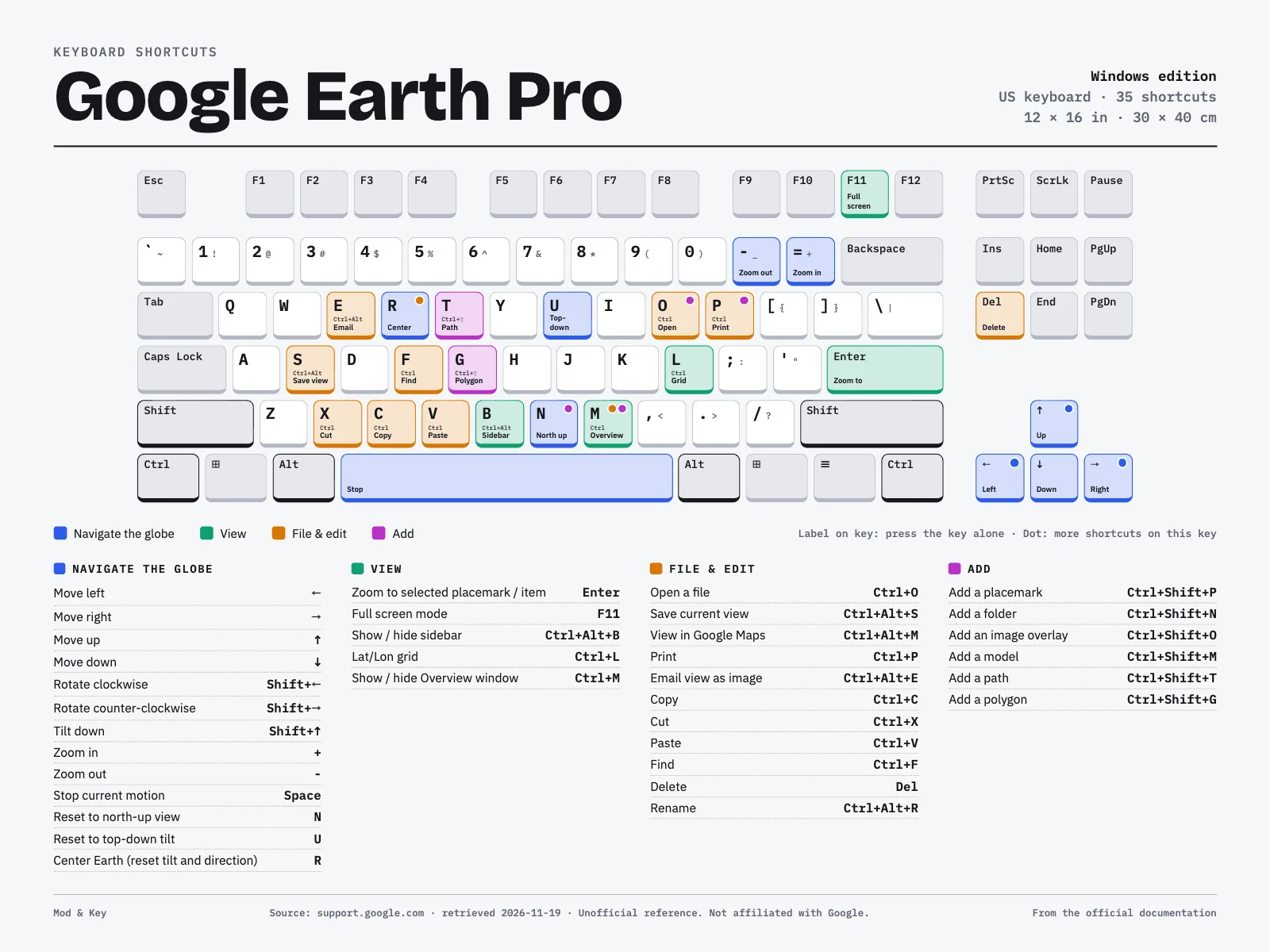
The most used Google Earth Pro shortcuts on Windows: Reset to north-up view (N), Reset to top-down tilt (U), Find (Ctrl+F), Add a placemark (Ctrl+Shift+P), Add a path (Ctrl+Shift+T). This page lists all 35, from the official documentation.
35 Google Earth Pro keyboard shortcuts for Windows, grouped into Navigate the globe, View, File & edit, Add. Every key is copied from support.google.com (retrieved November 19, 2026) and shown on a real keyboard layout.
On Windows, 32 of these 34 shortcuts are the Mac ones with Ctrl in place of ⌘; 2 are different, for example Show / hide Overview window (Ctrl+M; Mac: ⌥⇧⌘M), Delete (Del; Mac: ⌫).
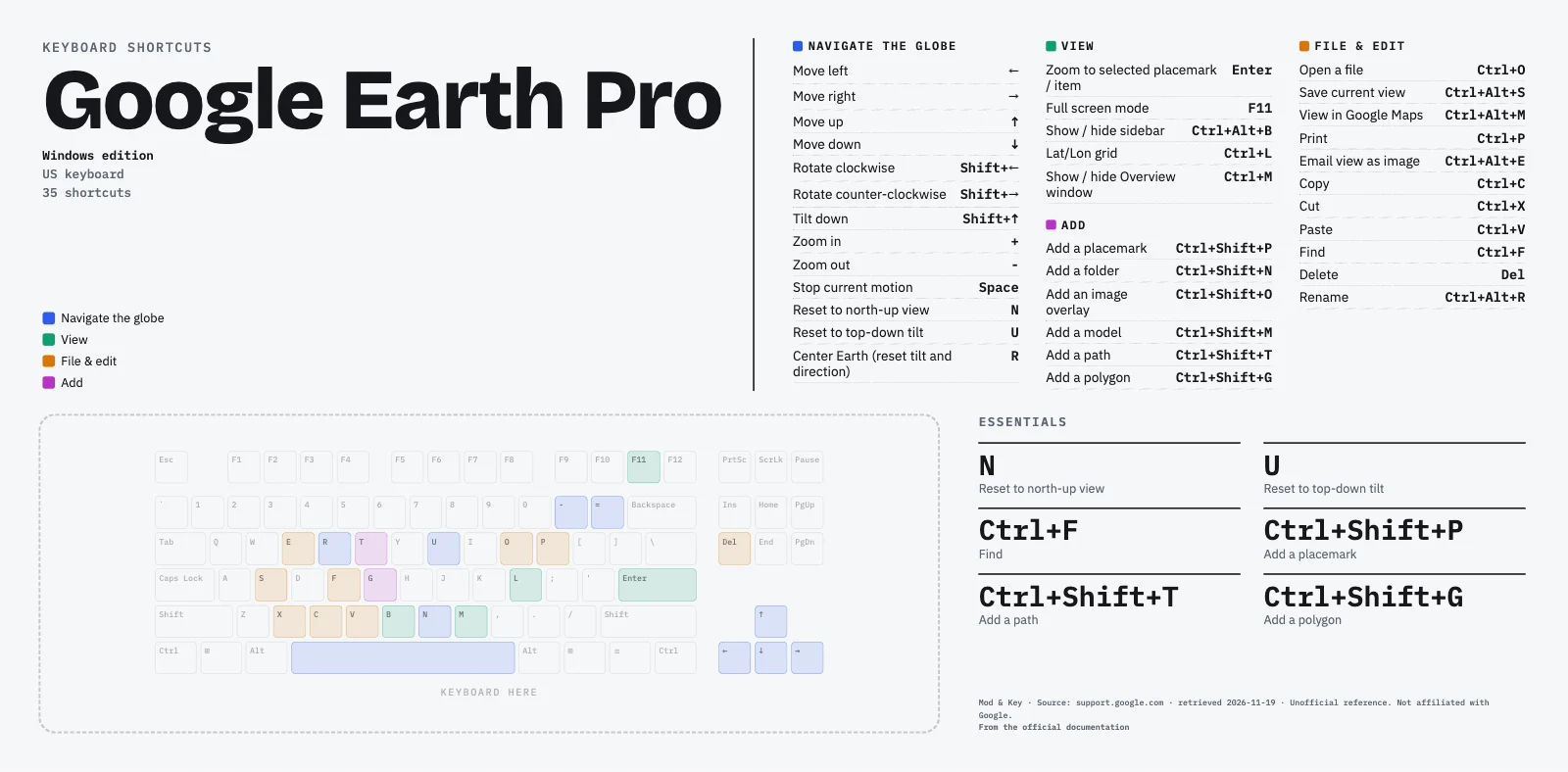
Google Earth Pro keyboard map
Pick your keyboard and a modifier. Keys with a shortcut light up; point at or tap a key to see everything on it. Try it: hold Ctrl on your keyboard
More shortcuts on this key with other modifiers.
Key alone13 keys
All Google Earth Pro keyboard shortcuts for Windows
No shortcut matches that search.
Navigate the globe13
| Command | Shortcut |
|---|---|
| Move left | ← |
| Move right | → |
| Move up | ↑ |
| Move down | ↓ |
| Rotate clockwise | Shift+← |
| Rotate counter-clockwise | Shift+→ |
| Tilt down | Shift+↑ |
| Zoom in | + |
| Zoom out | - |
| Stop current motion | Space |
| Reset to north-up view | N |
| Reset to top-down tilt | U |
| Center Earth (reset tilt and direction) | R |
View5
| Command | Shortcut |
|---|---|
| Zoom to selected placemark / item | Enter |
| Full screen mode | F11 |
| Show / hide sidebar | Ctrl+Alt+B |
| Lat/Lon grid | Ctrl+L |
| Show / hide Overview window | Ctrl+M |
File & edit11
| Command | Shortcut |
|---|---|
| Open a file | Ctrl+O |
| Save current view | Ctrl+Alt+S |
| View in Google Maps | Ctrl+Alt+M |
| Ctrl+P | |
| Email view as image | Ctrl+Alt+E |
| Copy | Ctrl+C |
| Cut | Ctrl+X |
| Paste | Ctrl+V |
| Find | Ctrl+F |
| Delete | Del |
| Rename | Ctrl+Alt+R |
Add6
| Command | Shortcut |
|---|---|
| Add a placemark | Ctrl+Shift+P |
| Add a folder | Ctrl+Shift+N |
| Add an image overlay | Ctrl+Shift+O |
| Add a model | Ctrl+Shift+M |
| Add a path | Ctrl+Shift+T |
| Add a polygon | Ctrl+Shift+G |
Source: Google · support.google.com · retrieved . Unofficial reference. Not affiliated with Google. How we source shortcuts →
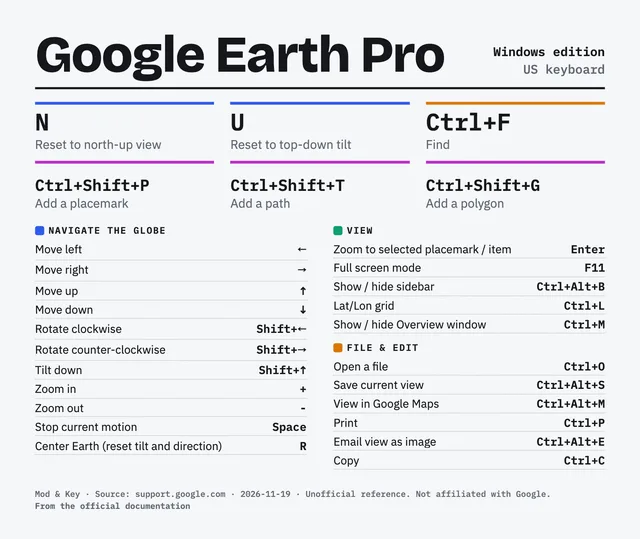
Free printable Google Earth Pro cheat sheet
The essential shortcuts on one page (PDF, 24 × 20 cm), for your keyboard and language.
Google Earth Pro shortcut questions
- What is the shortcut for “Reset to north-up view” in Google Earth Pro on Windows?
- Press N. That is the shortcut for “Reset to north-up view” in Google Earth Pro on Windows, as given in the official documentation.
- What is the shortcut for “Reset to top-down tilt” in Google Earth Pro on Windows?
- Press U. That is the shortcut for “Reset to top-down tilt” in Google Earth Pro on Windows, as given in the official documentation.
- What is the shortcut for “Find” in Google Earth Pro on Windows?
- Press Ctrl+F. That is the shortcut for “Find” in Google Earth Pro on Windows, as given in the official documentation.
- Where do these Google Earth Pro shortcuts come from?
- From Google’s official documentation at support.google.com, retrieved November 19, 2026. Every key is copied from there, never from other websites.