 Get it on your desk →
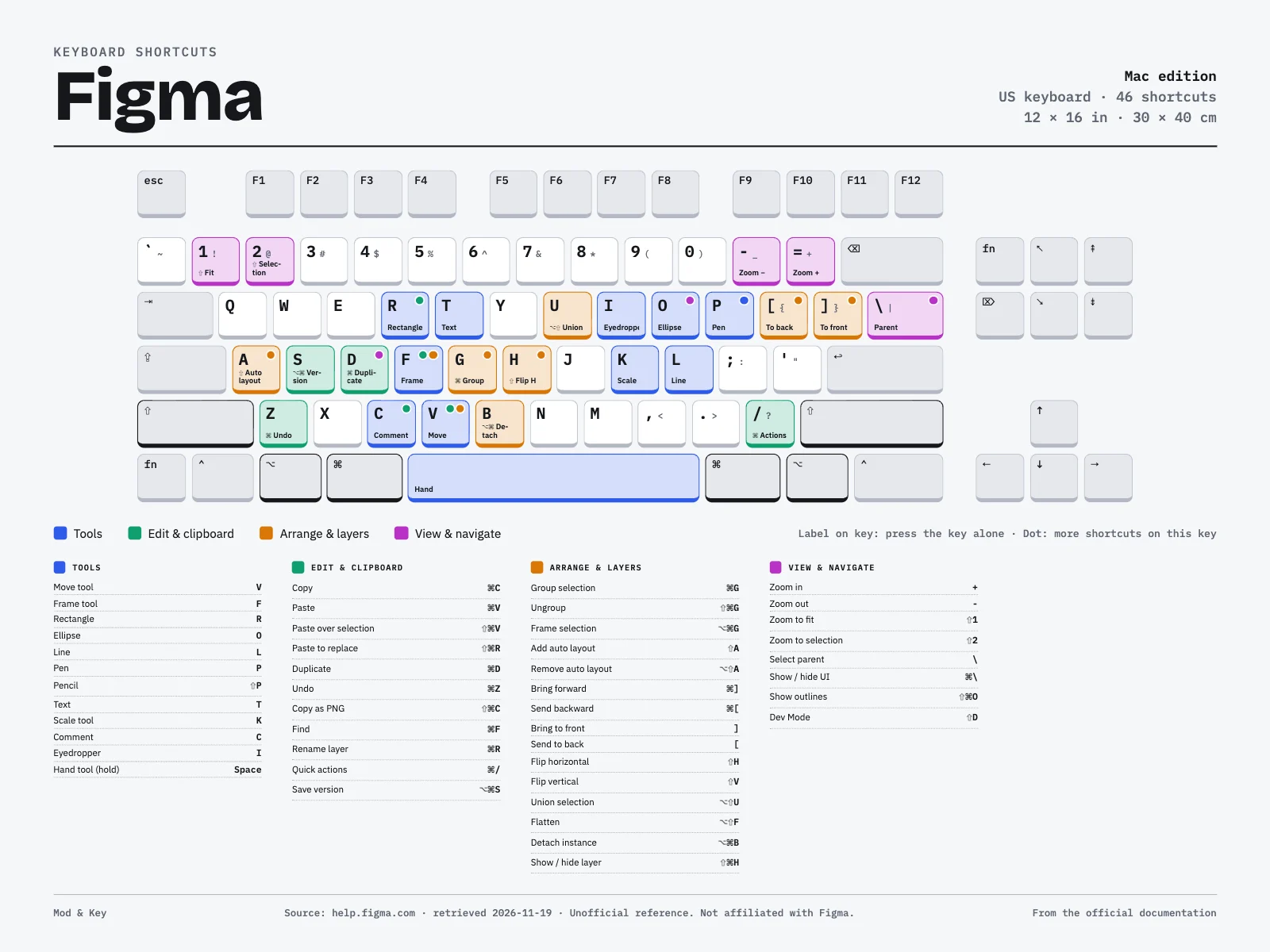
The most used Figma shortcuts on Mac: Frame tool (F), Copy (⌘C), Paste (⌘V), Duplicate (⌘D), Undo (⌘Z). This page lists all 46, from the official documentation.
46 Figma keyboard shortcuts for Mac, grouped into Tools, Edit & clipboard, Arrange & layers, View & navigate. Every key is copied from help.figma.com (retrieved November 22, 2026) and shown on a real keyboard layout.
All 46 shortcuts here are the Windows ones with ⌘ in place of Ctrl.
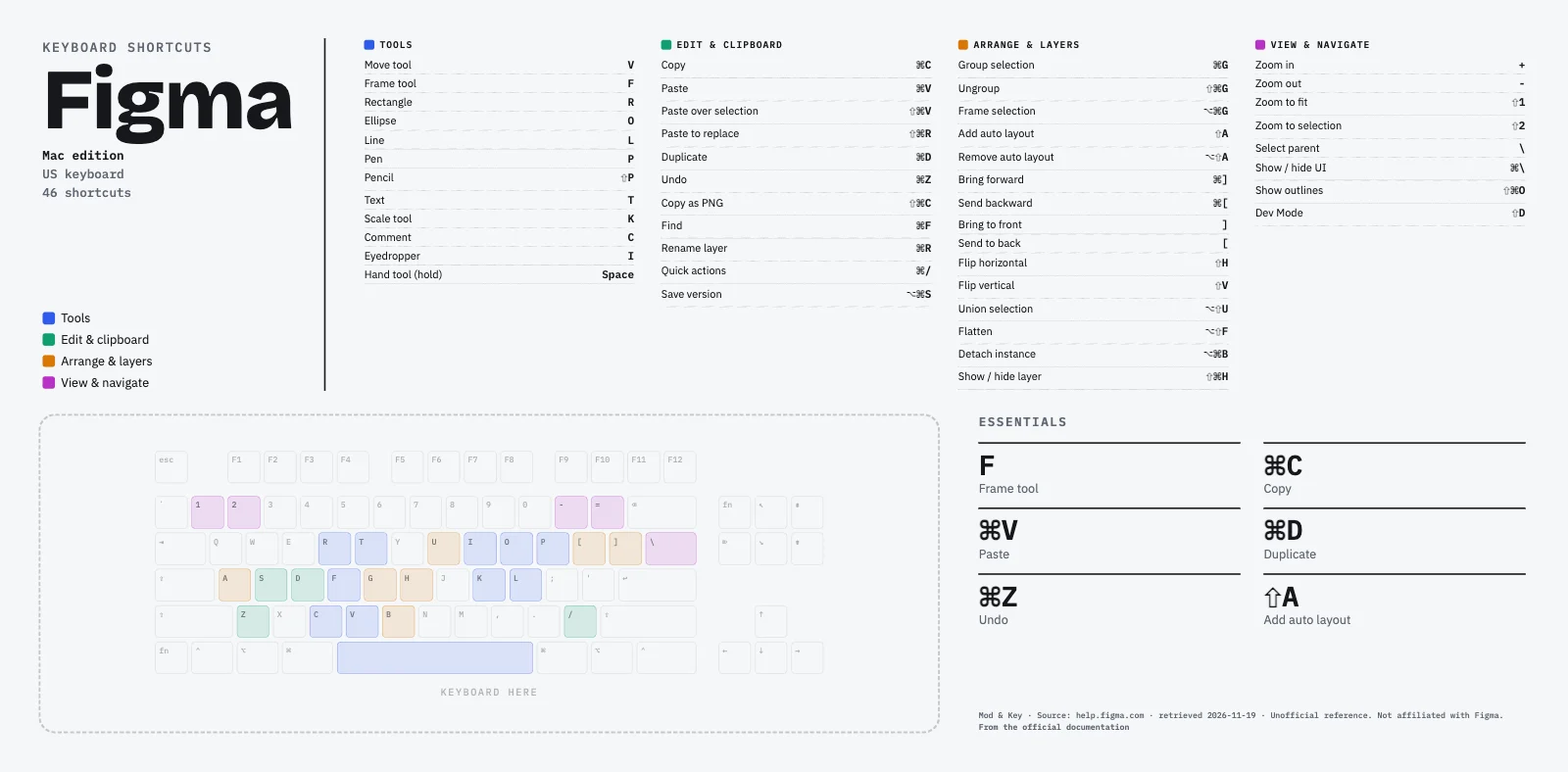
Figma keyboard map
Pick your keyboard and a modifier. Keys with a shortcut light up; point at or tap a key to see everything on it. Try it: hold ⌘ Cmd on your keyboard
More shortcuts on this key with other modifiers.
Key alone16 keys
All Figma keyboard shortcuts for Mac
No shortcut matches that search.
Tools12
| Command | Shortcut |
|---|---|
| Move tool | V |
| Frame tool | F |
| Rectangle | R |
| Ellipse | O |
| Line | L |
| Pen | P |
| Pencil | ⇧P |
| Text | T |
| Scale tool | K |
| Comment | C |
| Eyedropper | I |
| Hand tool (hold) | Space |
Edit & clipboard11
| Command | Shortcut |
|---|---|
| Copy | ⌘C |
| Paste | ⌘V |
| Paste over selection | ⇧⌘V |
| Paste to replace | ⇧⌘R |
| Duplicate | ⌘D |
| Undo | ⌘Z |
| Copy as PNG | ⇧⌘C |
| Find | ⌘F |
| Rename layer | ⌘R |
| Quick actions | ⌘/ |
| Save version | ⌥⌘S |
Arrange & layers15
| Command | Shortcut |
|---|---|
| Group selection | ⌘G |
| Ungroup | ⇧⌘G |
| Frame selection | ⌥⌘G |
| Add auto layout | ⇧A |
| Remove auto layout | ⌥⇧A |
| Bring forward | ⌘] |
| Send backward | ⌘[ |
| Bring to front | ] |
| Send to back | [ |
| Flip horizontal | ⇧H |
| Flip vertical | ⇧V |
| Union selection | ⌥⇧U |
| Flatten | ⌥⇧F |
| Detach instance | ⌥⌘B |
| Show / hide layer | ⇧⌘H |
View & navigate8
| Command | Shortcut |
|---|---|
| Zoom in | + |
| Zoom out | - |
| Zoom to fit | ⇧1 |
| Zoom to selection | ⇧2 |
| Select parent | \ |
| Show / hide UI | ⌘\ |
| Show outlines | ⇧⌘O |
| Dev Mode | ⇧D |
Source: Figma · help.figma.com · retrieved . Unofficial reference. Not affiliated with Figma. How we source shortcuts →
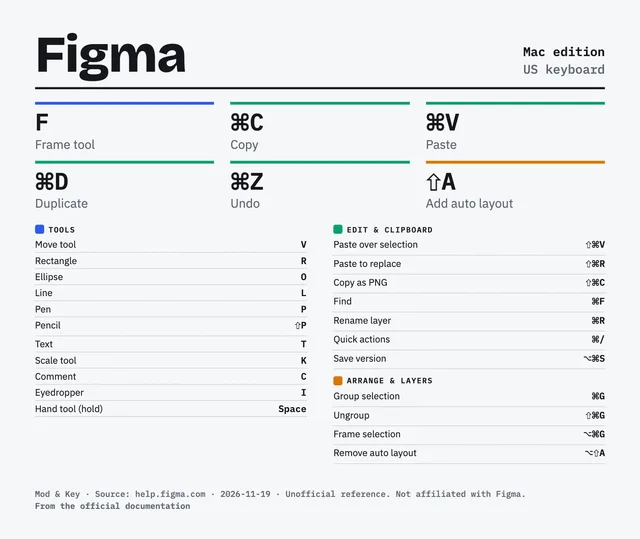
Free printable Figma cheat sheet
The essential shortcuts on one page (PDF, 24 × 20 cm), for your keyboard and language.
Figma shortcut questions
- What is the shortcut for “Frame tool” in Figma on Mac?
- Press F. That is the shortcut for “Frame tool” in Figma on Mac, as given in the official documentation.
- What is the shortcut for “Copy” in Figma on Mac?
- Press ⌘C. That is the shortcut for “Copy” in Figma on Mac, as given in the official documentation.
- What is the shortcut for “Paste” in Figma on Mac?
- Press ⌘V. That is the shortcut for “Paste” in Figma on Mac, as given in the official documentation.
- Where do these Figma shortcuts come from?
- From Figma’s official documentation at help.figma.com, retrieved November 22, 2026. Every key is copied from there, never from other websites.