Keyboard shortcuts for designers
Tools, layers, selections and view controls for the design apps on our list: every shortcut sourced from the official documentation and shown for Mac and Windows.
Apps in this guide
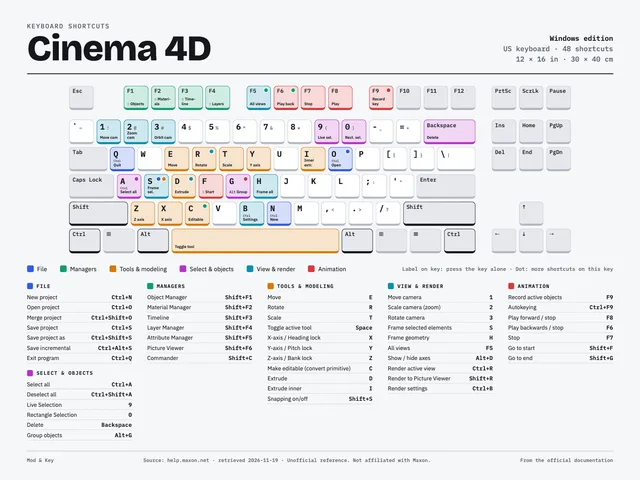
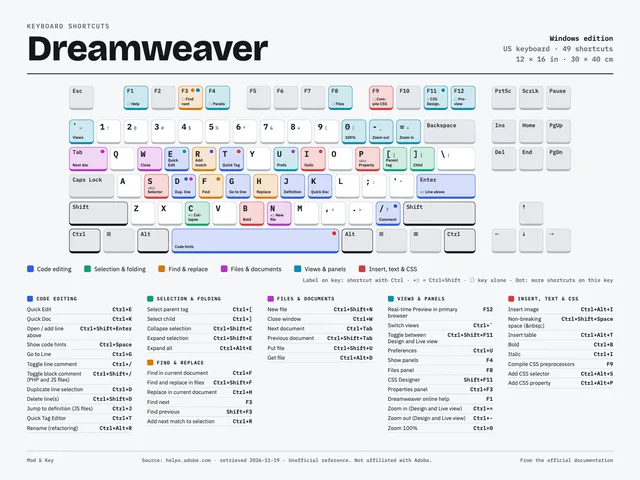
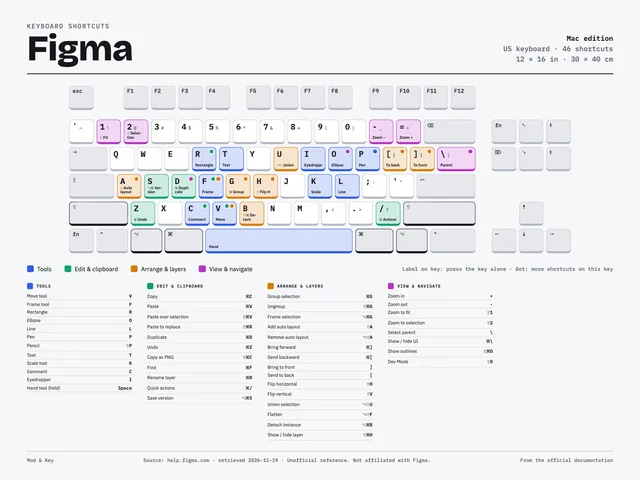
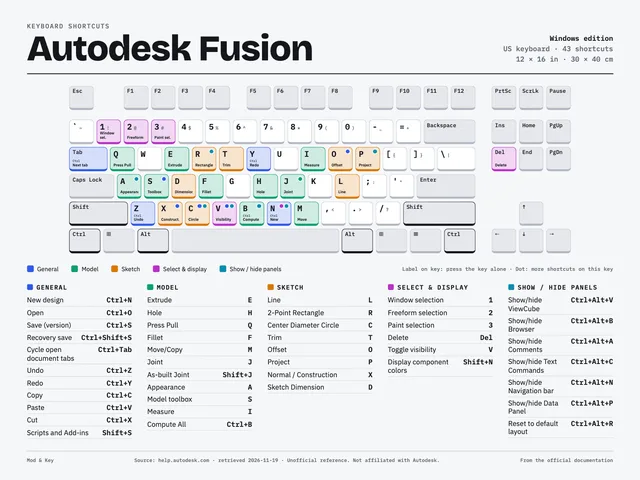
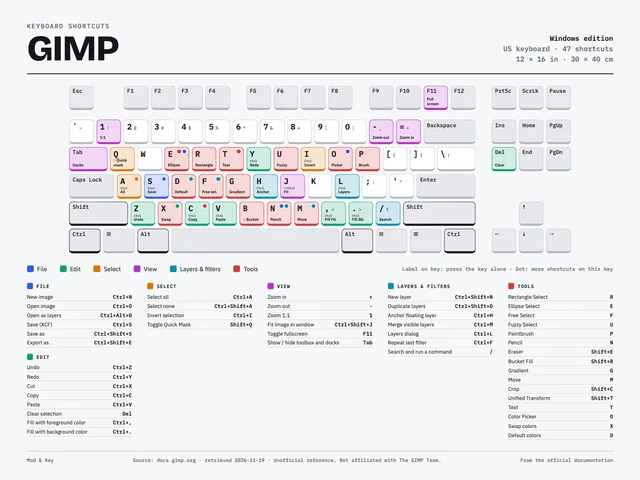
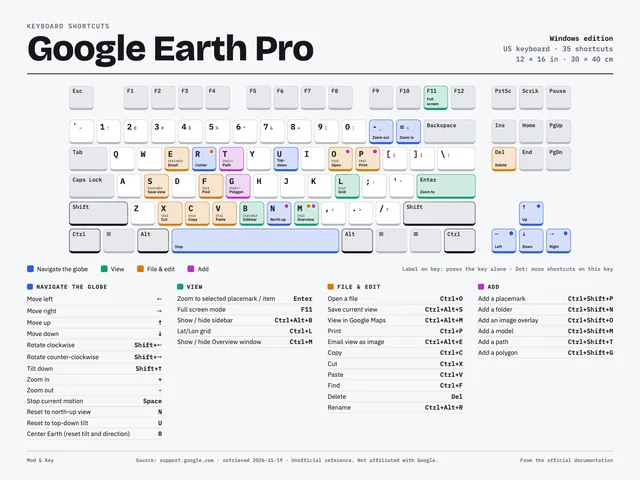
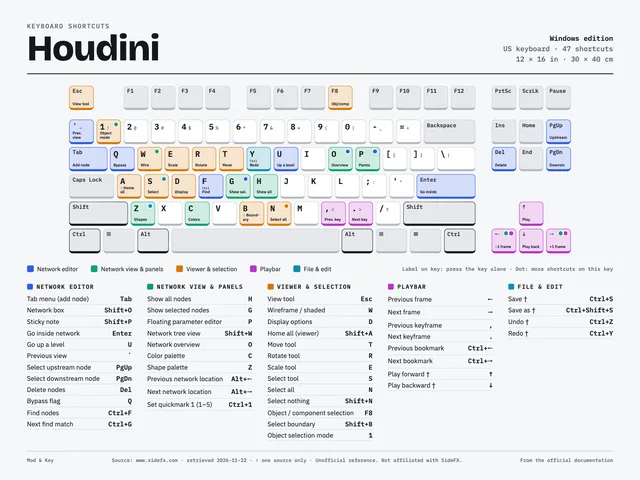
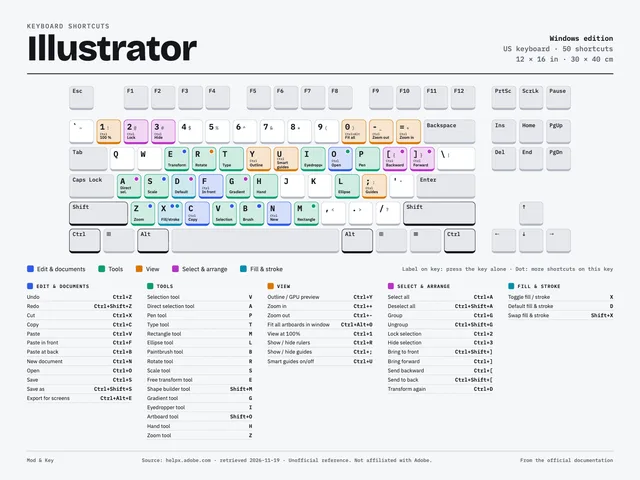
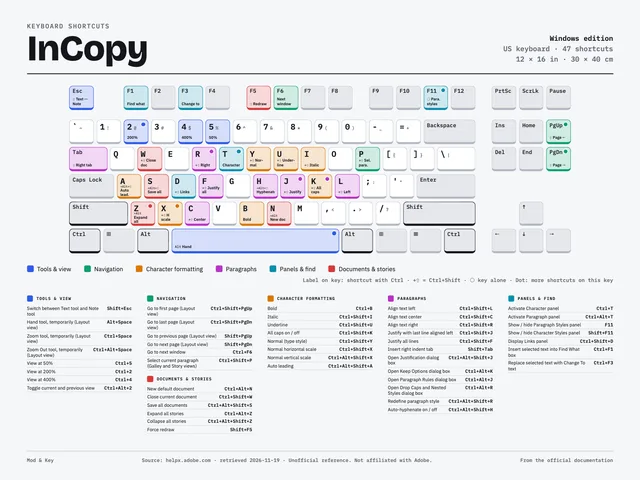
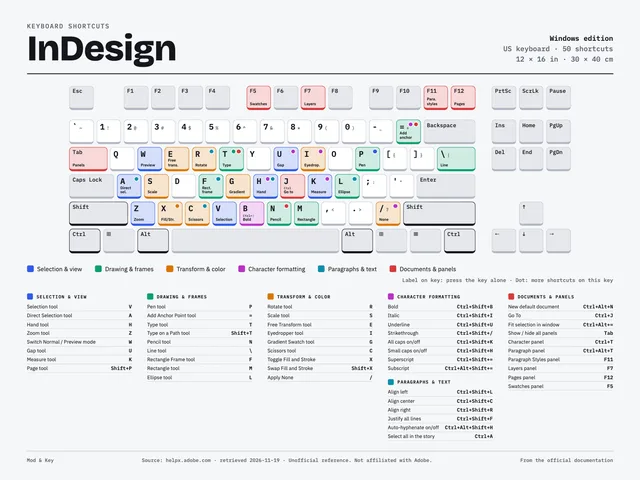
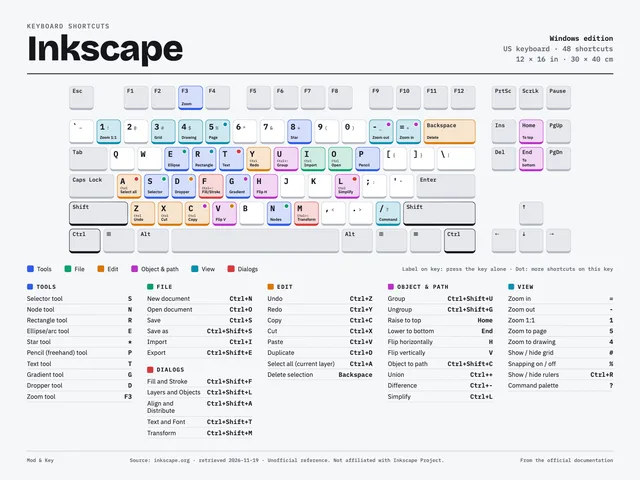
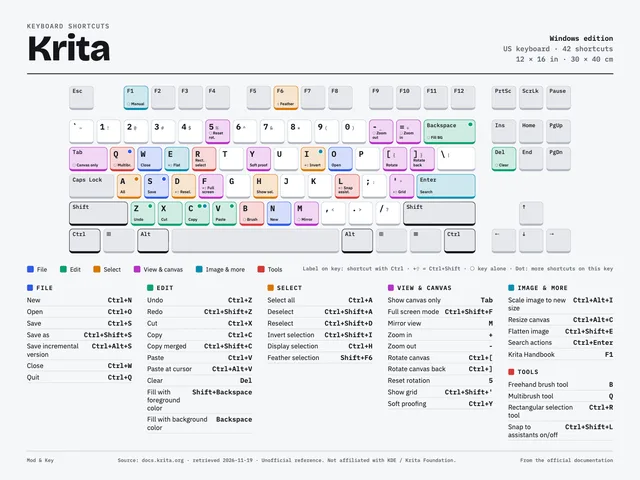
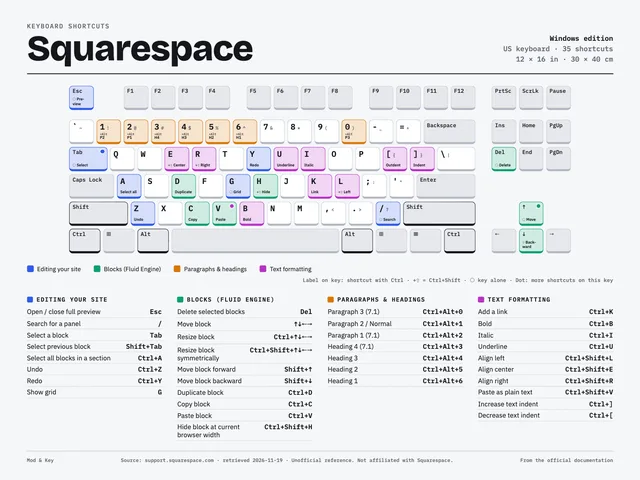
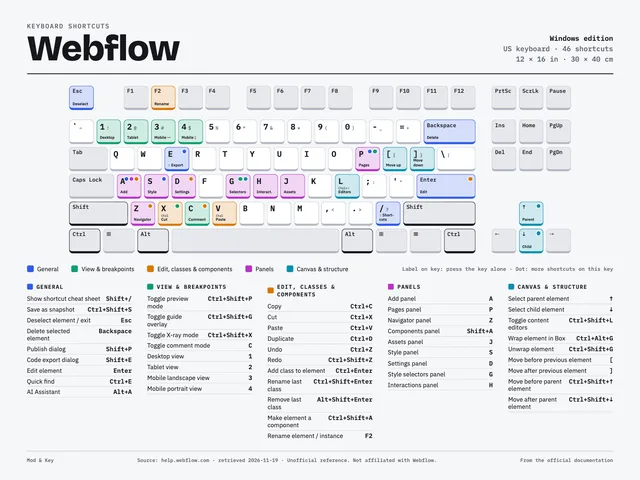
Where to start
The most-used shortcut of every category, from each app.
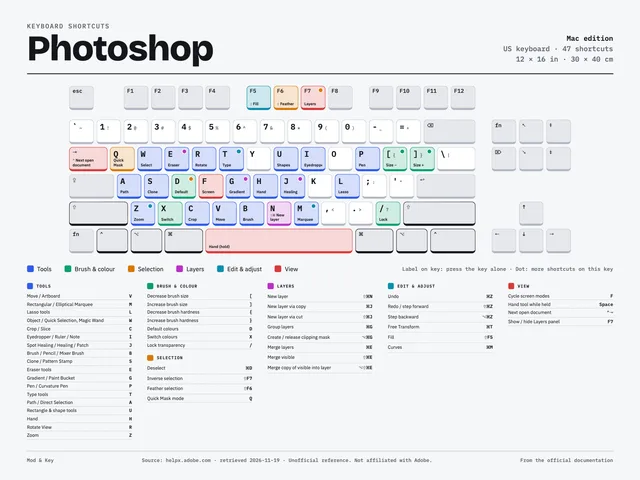
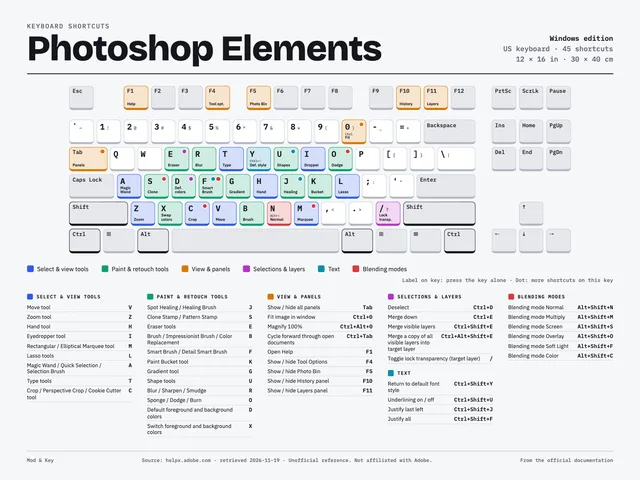
PhotoshopMac
Move / Artboard · ToolsV
Decrease brush size · Brush & colour[
Deselect · Selection⌘D
New layer · Layers⇧⌘N
FigmaMac
Frame tool · ToolsF
Copy · Edit & clipboard⌘C
Add auto layout · Arrange & layers⇧A
Zoom in · View & navigate+
IllustratorWindows
Undo · Edit & documentsCtrl+Z
Selection tool · ToolsV
Outline / GPU preview · ViewCtrl+Y
Group · Select & arrangeCtrl+G
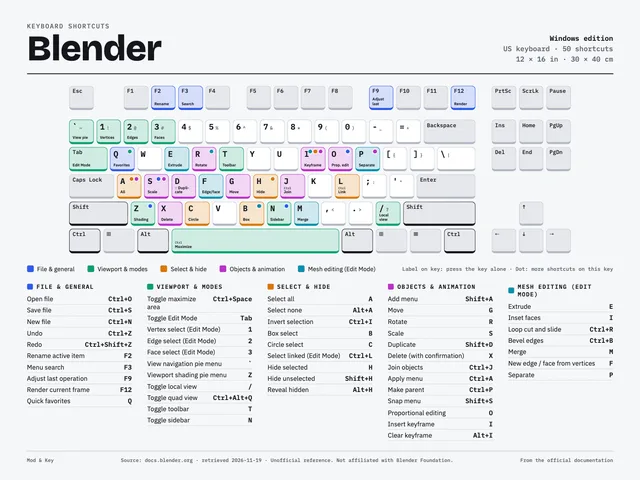
BlenderWindows
Undo · File & generalCtrl+Z
Toggle Edit Mode · Viewport & modesTab
Select all · Select & hideA
Add menu · Objects & animationShift+A
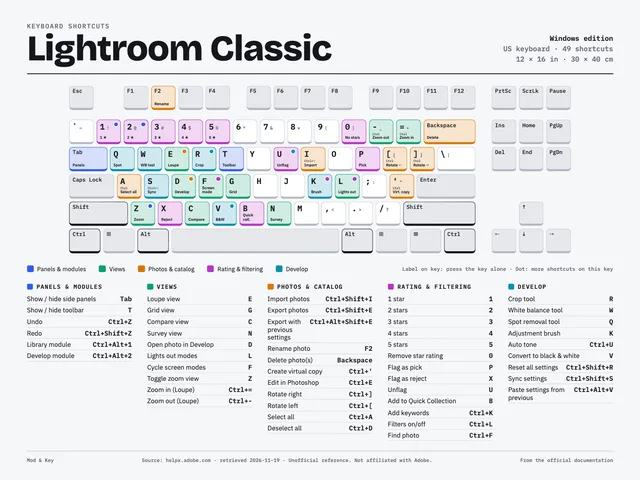
Lightroom ClassicWindows
Undo · Panels & modulesCtrl+Z
Grid view · ViewsG
Export photos · Photos & catalogCtrl+Shift+E
Flag as pick · Rating & filteringP
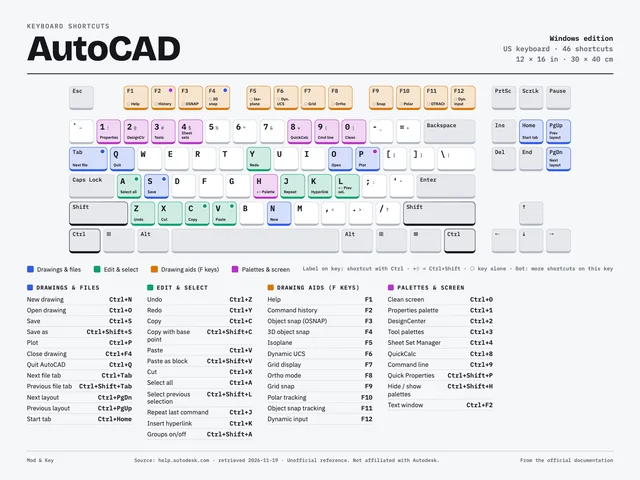
AutoCADWindows
Save · Drawings & filesCtrl+S
Undo · Edit & selectCtrl+Z
Object snap (OSNAP) · Drawing aids (F keys)F3
Clean screen · Palettes & screenCtrl+0
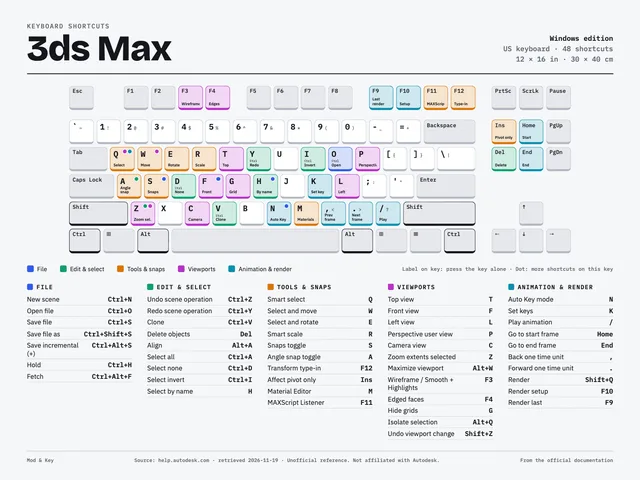
3ds MaxWindows
Save file · FileCtrl+S
Undo scene operation · Edit & selectCtrl+Z
Select and move · Tools & snapsW
Maximize viewport · ViewportsAlt+W
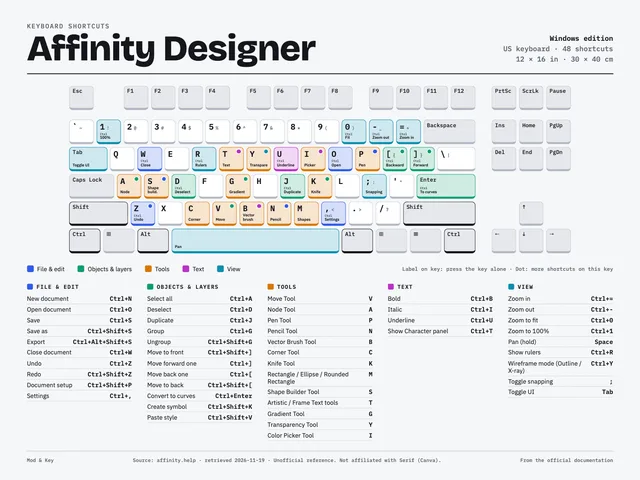
Affinity DesignerWindows
Save · File & editCtrl+S
Duplicate · Objects & layersCtrl+J
Move Tool · ToolsV
Bold · TextCtrl+B
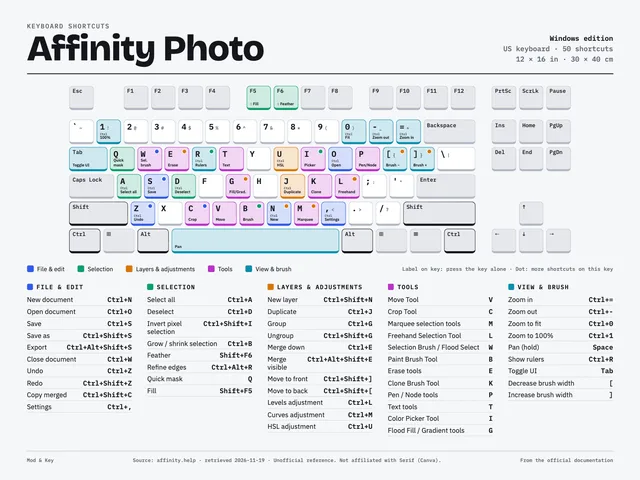
Affinity PhotoWindows
Save · File & editCtrl+S
Select all · SelectionCtrl+A
New layer · Layers & adjustmentsCtrl+Shift+N
Crop Tool · ToolsC
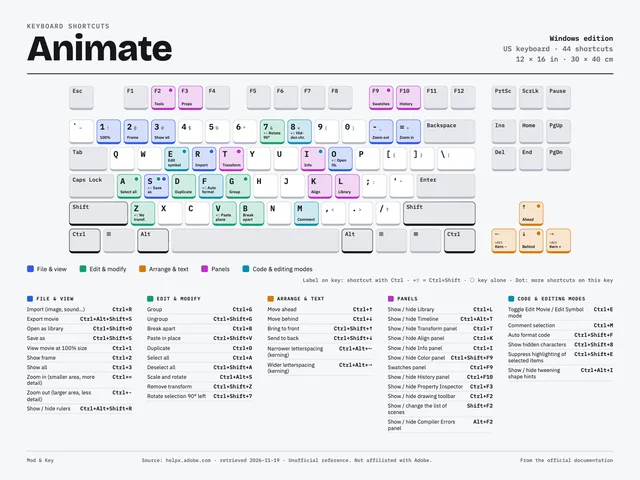
AnimateWindows
Import (image, sound…) · File & viewCtrl+R
Group · Edit & modifyCtrl+G
Move ahead · Arrange & textCtrl+↑
Show / hide Library · PanelsCtrl+L
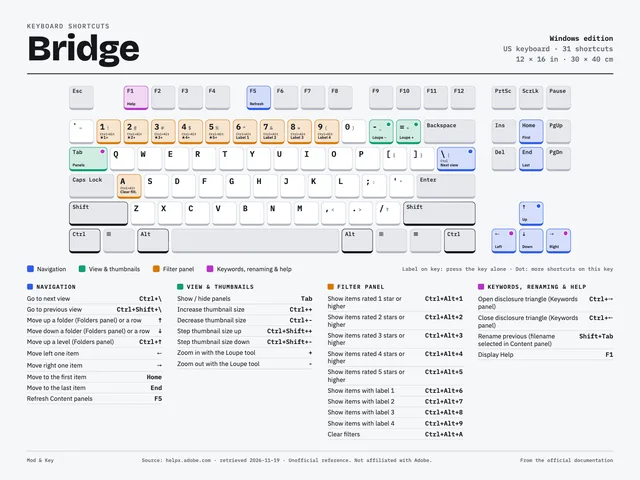
BridgeWindows
Go to next view · NavigationCtrl+\
Show / hide panels · View & thumbnailsTab
Clear filters · Filter panelCtrl+Alt+A
Open disclosure triangle (Keywords panel) · Keywords, renaming & helpCtrl+→
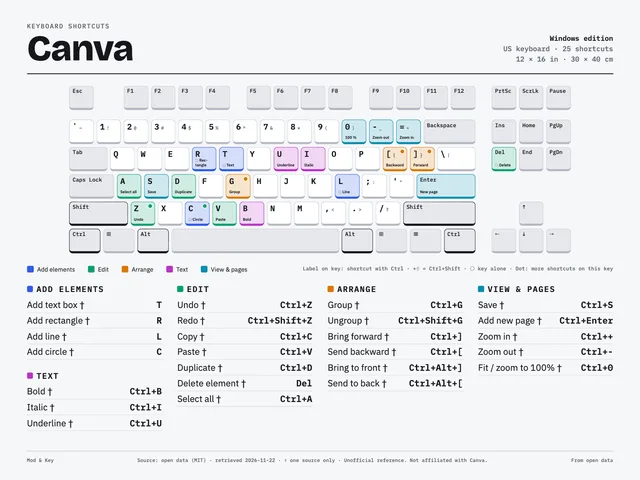
CanvaWindows
Add text box · Add elementsT
Undo · EditCtrl+Z
Group · ArrangeCtrl+G
Bold · TextCtrl+B
Tip
Start with the single-letter tool keys. They need no modifier, so they become muscle memory in a day.