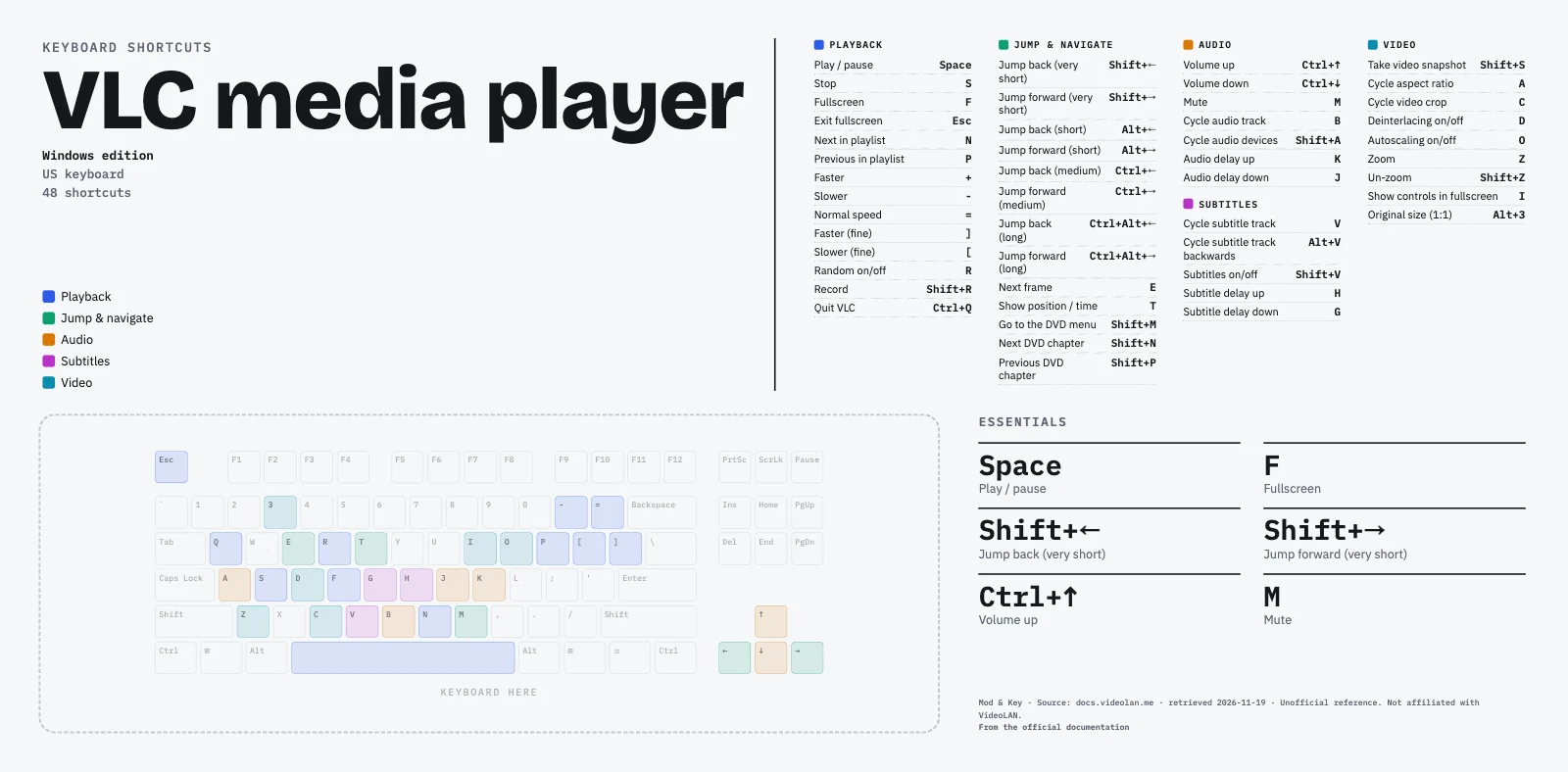
 Get it on your desk →
The most used VLC media player shortcuts on Windows: Play / pause (Space), Fullscreen (F), Jump back (very short) (Shift+←), Jump forward (very short) (Shift+→), Volume up (Ctrl+↑). This page lists all 48, from the official documentation.
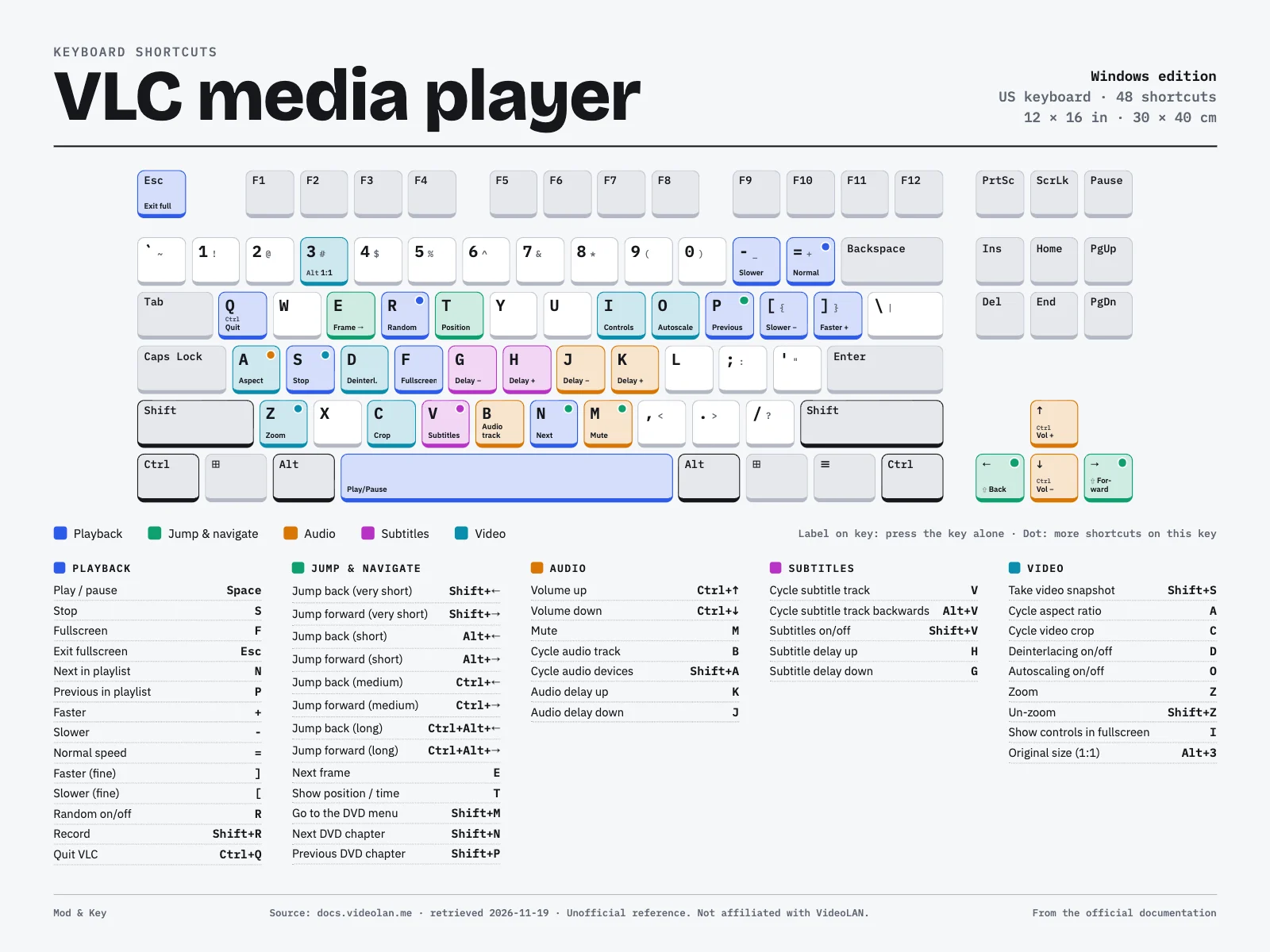
48 VLC media player keyboard shortcuts for Windows, grouped into Playback, Jump & navigate, Audio, Subtitles, Video. Every key is copied from docs.videolan.me (retrieved November 19, 2026) and shown on a real keyboard layout.
VLC media player keyboard map
Pick your keyboard and a modifier. Keys with a shortcut light up; point at or tap a key to see everything on it. Try it: hold Ctrl on your keyboard
More shortcuts on this key with other modifiers.
Key alone26 keys
All VLC media player keyboard shortcuts for Windows
No shortcut matches that search.
Playback14
| Command | Shortcut |
|---|---|
| Play / pause | Space |
| Stop | S |
| Fullscreen | F |
| Exit fullscreen | Esc |
| Next in playlist | N |
| Previous in playlist | P |
| Faster | + |
| Slower | - |
| Normal speed | = |
| Faster (fine) | ] |
| Slower (fine) | [ |
| Random on/off | R |
| Record | Shift+R |
| Quit VLC | Ctrl+Q |
Jump & navigate13
| Command | Shortcut |
|---|---|
| Jump back (very short) | Shift+← |
| Jump forward (very short) | Shift+→ |
| Jump back (short) | Alt+← |
| Jump forward (short) | Alt+→ |
| Jump back (medium) | Ctrl+← |
| Jump forward (medium) | Ctrl+→ |
| Jump back (long) | Ctrl+Alt+← |
| Jump forward (long) | Ctrl+Alt+→ |
| Next frame | E |
| Show position / time | T |
| Go to the DVD menu | Shift+M |
| Next DVD chapter | Shift+N |
| Previous DVD chapter | Shift+P |
Audio7
| Command | Shortcut |
|---|---|
| Volume up | Ctrl+↑ |
| Volume down | Ctrl+↓ |
| Mute | M |
| Cycle audio track | B |
| Cycle audio devices | Shift+A |
| Audio delay up | K |
| Audio delay down | J |
Subtitles5
| Command | Shortcut |
|---|---|
| Cycle subtitle track | V |
| Cycle subtitle track backwards | Alt+V |
| Subtitles on/off | Shift+V |
| Subtitle delay up | H |
| Subtitle delay down | G |
Video9
| Command | Shortcut |
|---|---|
| Take video snapshot | Shift+S |
| Cycle aspect ratio | A |
| Cycle video crop | C |
| Deinterlacing on/off | D |
| Autoscaling on/off | O |
| Zoom | Z |
| Un-zoom | Shift+Z |
| Show controls in fullscreen | I |
| Original size (1:1) | Alt+3 |
Source: VideoLAN · docs.videolan.me · retrieved . Unofficial reference. Not affiliated with VideoLAN. How we source shortcuts →
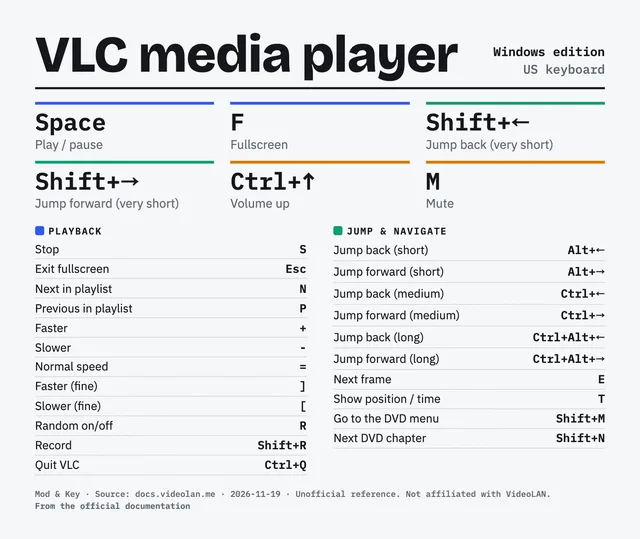
Free printable VLC media player cheat sheet
The essential shortcuts on one page (PDF, 24 × 20 cm), for your keyboard and language.
VLC media player shortcut questions
- What is the shortcut for “Play / pause” in VLC media player on Windows?
- Press Space. That is the shortcut for “Play / pause” in VLC media player on Windows, as given in the official documentation.
- What is the shortcut for “Fullscreen” in VLC media player on Windows?
- Press F. That is the shortcut for “Fullscreen” in VLC media player on Windows, as given in the official documentation.
- What is the shortcut for “Jump back (very short)” in VLC media player on Windows?
- Press Shift+←. That is the shortcut for “Jump back (very short)” in VLC media player on Windows, as given in the official documentation.
- Where do these VLC media player shortcuts come from?
- From VideoLAN’s official documentation at docs.videolan.me, retrieved November 19, 2026. Every key is copied from there, never from other websites.