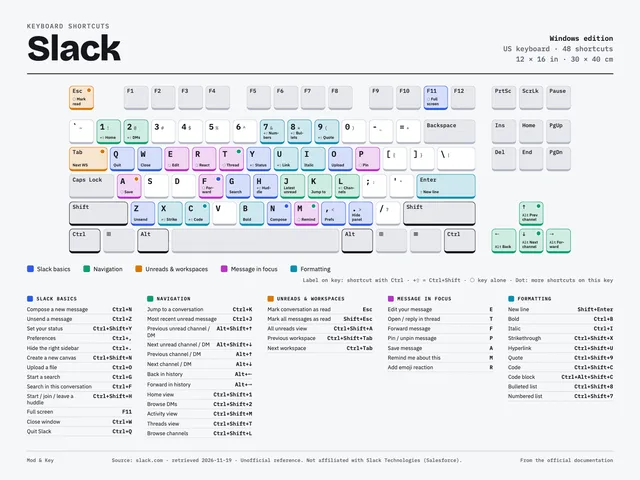
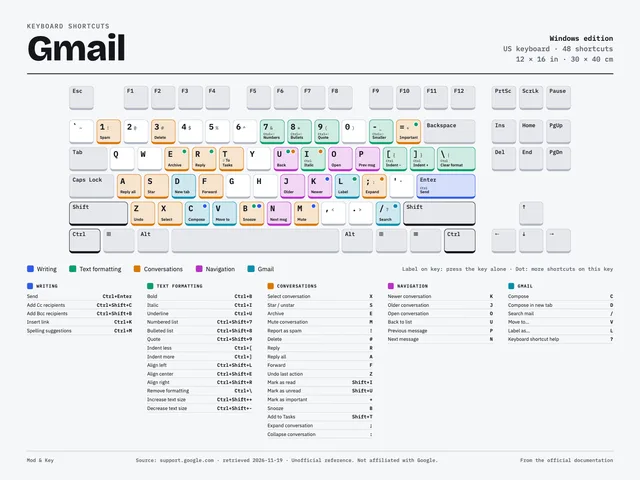
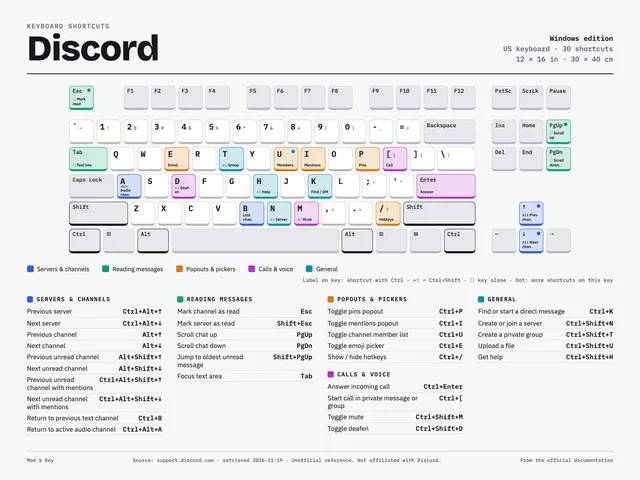
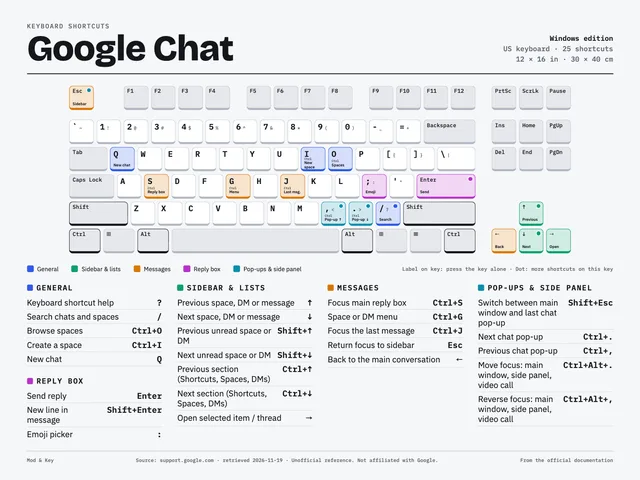
 Get it on your desk →
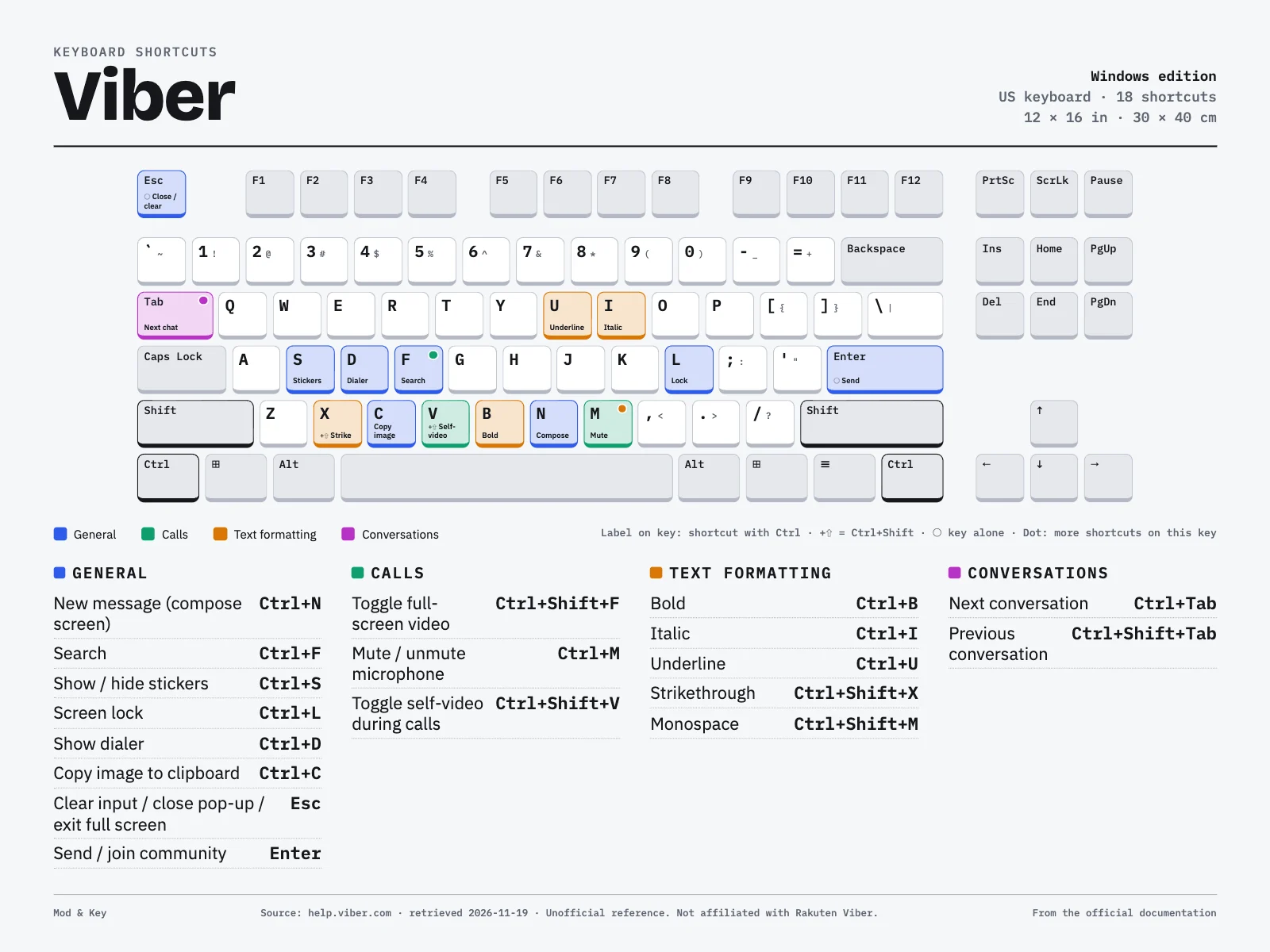
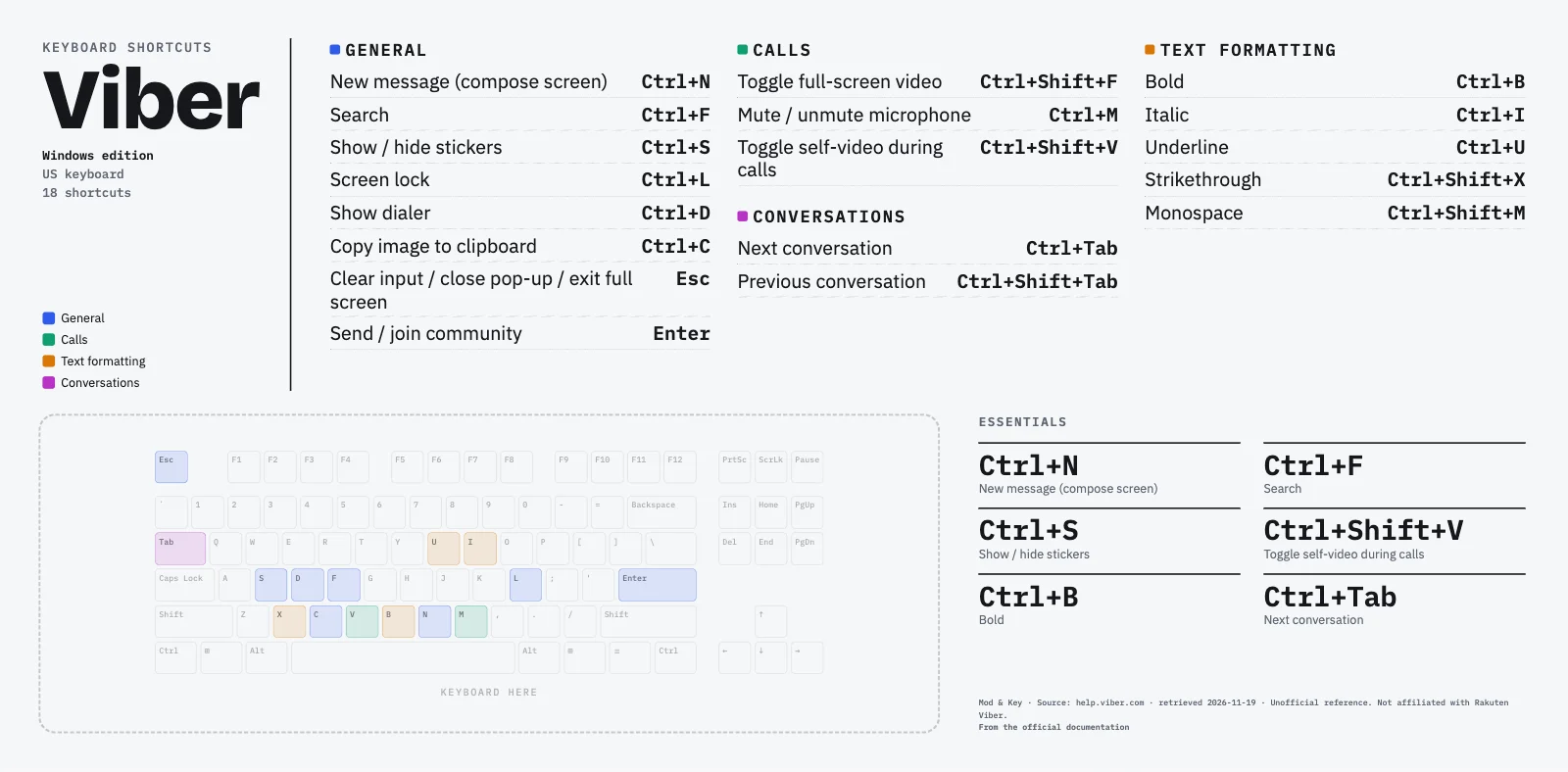
The most used Viber shortcuts on Windows: New message (compose screen) (Ctrl+N), Search (Ctrl+F), Show / hide stickers (Ctrl+S), Toggle self-video during calls (Ctrl+Shift+V), Bold (Ctrl+B). This page lists all 18, from the official documentation.
18 Viber keyboard shortcuts for Windows, grouped into General, Calls, Text formatting, Conversations. Every key is copied from help.viber.com (retrieved November 19, 2026) and shown on a real keyboard layout.
On Windows, 13 of these 17 shortcuts are the Mac ones with Ctrl in place of ⌘; 4 are different, for example Toggle full-screen video (Ctrl+Shift+F; Mac: ⌃⌘F), Toggle self-video during calls (Ctrl+Shift+V; Mac: ⌃⌘V), Next conversation (Ctrl+Tab; Mac: ⌃⇥).
Viber keyboard map
Pick your keyboard and a modifier. Keys with a shortcut light up; point at or tap a key to see everything on it. Try it: hold Ctrl on your keyboard
More shortcuts on this key with other modifiers.
With Ctrl11 keys
All Viber keyboard shortcuts for Windows
No shortcut matches that search.
General8
| Command | Shortcut |
|---|---|
| New message (compose screen) | Ctrl+N |
| Search | Ctrl+F |
| Show / hide stickers | Ctrl+S |
| Screen lock | Ctrl+L |
| Show dialer | Ctrl+D |
| Copy image to clipboard | Ctrl+C |
| Clear input / close pop-up / exit full screen | Esc |
| Send / join community | Enter |
Calls3
| Command | Shortcut |
|---|---|
| Toggle full-screen video | Ctrl+Shift+F |
| Mute / unmute microphone | Ctrl+M |
| Toggle self-video during calls | Ctrl+Shift+V |
Text formatting5
| Command | Shortcut |
|---|---|
| Bold | Ctrl+B |
| Italic | Ctrl+I |
| Underline | Ctrl+U |
| Strikethrough | Ctrl+Shift+X |
| Monospace | Ctrl+Shift+M |
Conversations2
| Command | Shortcut |
|---|---|
| Next conversation | Ctrl+Tab |
| Previous conversation | Ctrl+Shift+Tab |
Source: Rakuten Viber · help.viber.com · retrieved . Unofficial reference. Not affiliated with Rakuten Viber. How we source shortcuts →
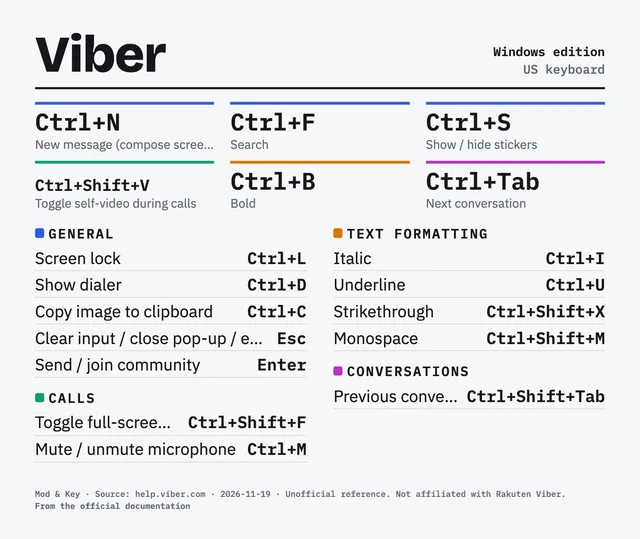
Free printable Viber cheat sheet
The essential shortcuts on one page (PDF, 24 × 20 cm), for your keyboard and language.
Viber shortcut questions
- What is the shortcut for “New message (compose screen)” in Viber on Windows?
- Press Ctrl+N. That is the shortcut for “New message (compose screen)” in Viber on Windows, as given in the official documentation.
- What is the shortcut for “Search” in Viber on Windows?
- Press Ctrl+F. That is the shortcut for “Search” in Viber on Windows, as given in the official documentation.
- What is the shortcut for “Show / hide stickers” in Viber on Windows?
- Press Ctrl+S. That is the shortcut for “Show / hide stickers” in Viber on Windows, as given in the official documentation.
- Where do these Viber shortcuts come from?
- From Rakuten Viber’s official documentation at help.viber.com, retrieved November 19, 2026. Every key is copied from there, never from other websites.