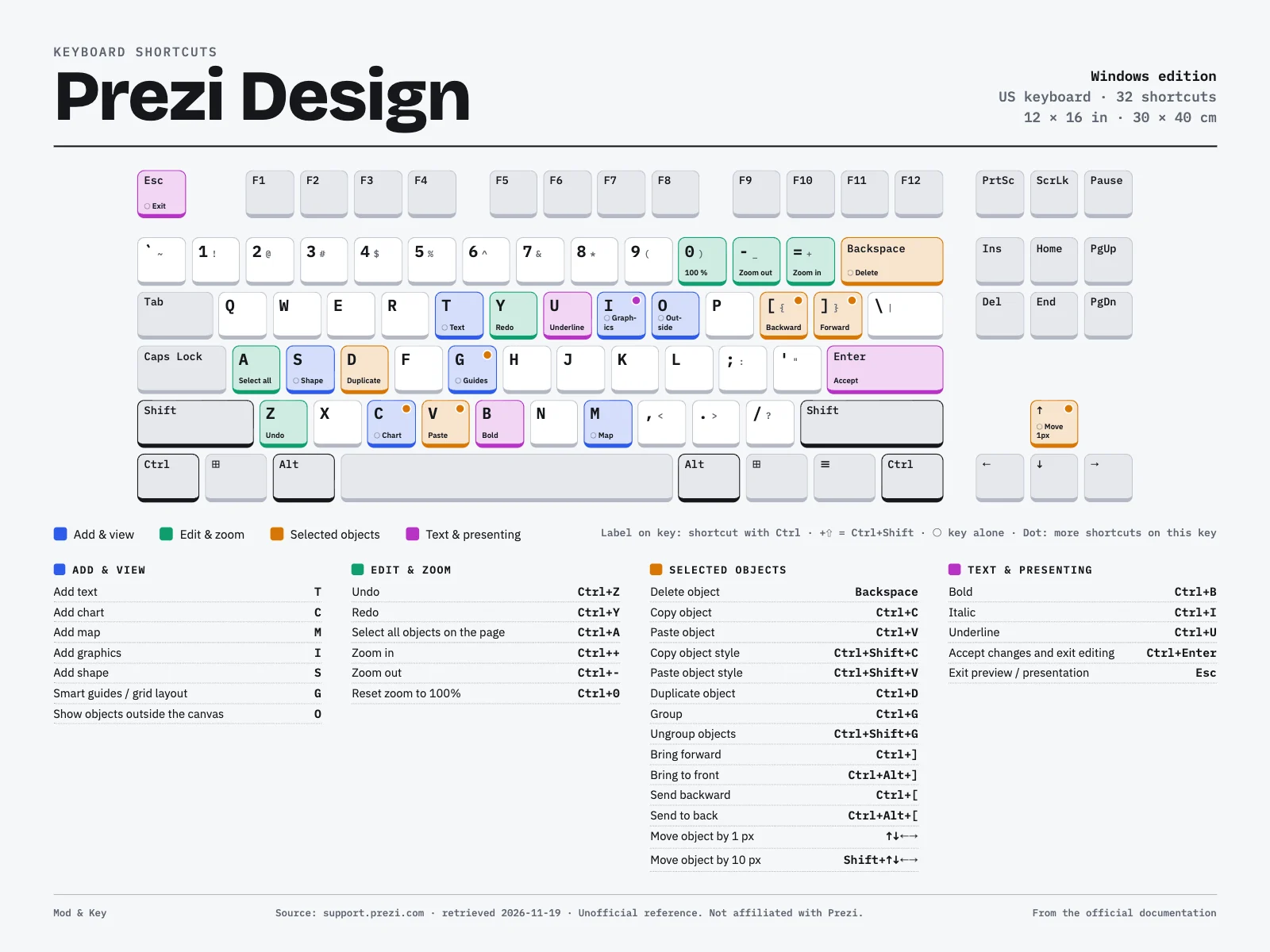
 Get it on your desk →
The most used Prezi Design shortcuts on Windows: Add text (T), Undo (Ctrl+Z), Copy object (Ctrl+C), Paste object (Ctrl+V), Duplicate object (Ctrl+D). This page lists all 32, from the official documentation.
32 Prezi Design keyboard shortcuts for Windows, grouped into Add & view, Edit & zoom, Selected objects, Text & presenting. Every key is copied from support.prezi.com (retrieved November 19, 2026) and shown on a real keyboard layout.
All 32 shortcuts here are the Mac ones with Ctrl in place of ⌘.
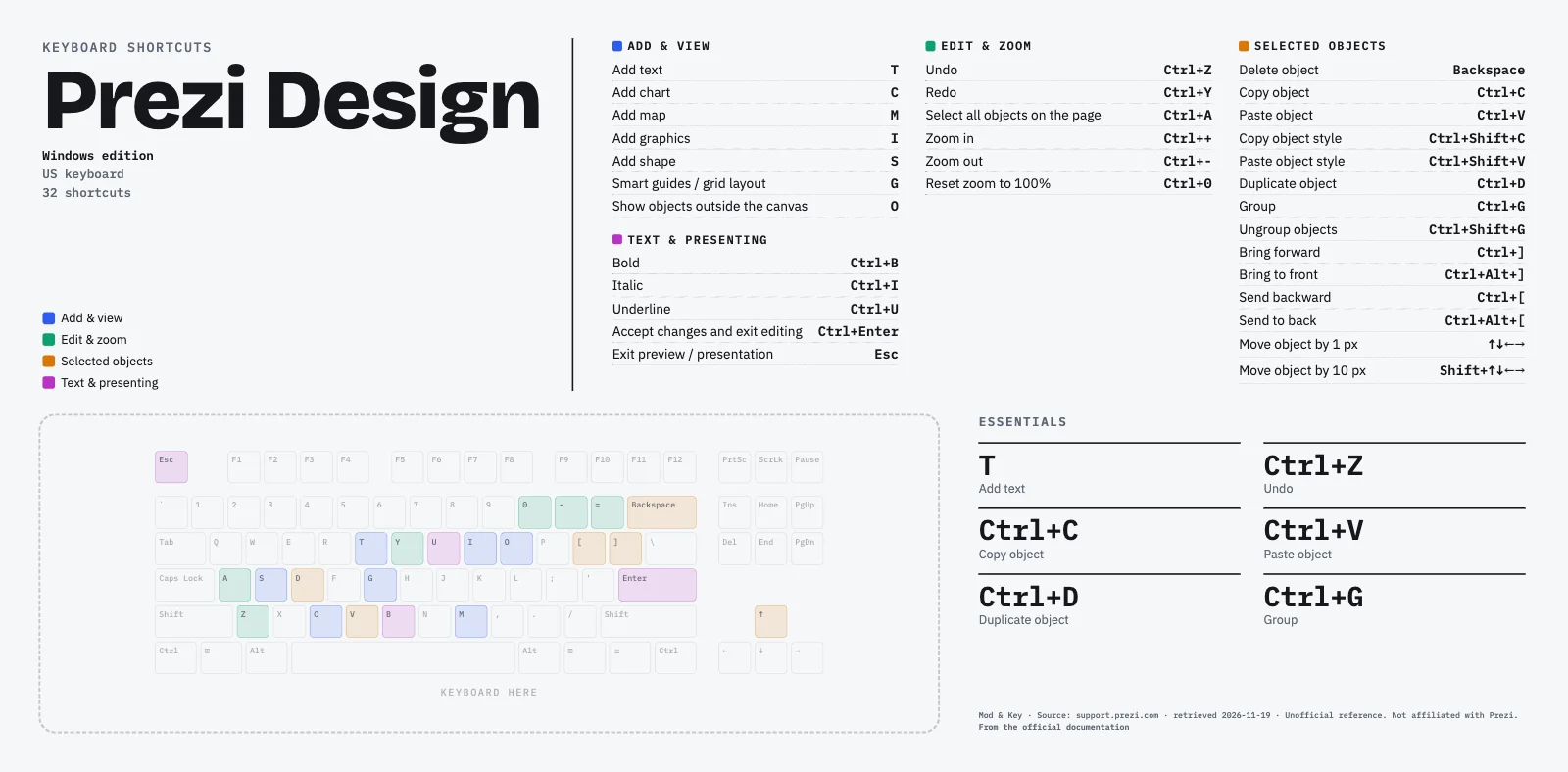
Prezi Design keyboard map
Pick your keyboard and a modifier. Keys with a shortcut light up; point at or tap a key to see everything on it. Try it: hold Ctrl on your keyboard
More shortcuts on this key with other modifiers.
With Ctrl16 keys
All Prezi Design keyboard shortcuts for Windows
No shortcut matches that search.
Add & view7
| Command | Shortcut |
|---|---|
| Add text | T |
| Add chart | C |
| Add map | M |
| Add graphics | I |
| Add shape | S |
| Smart guides / grid layout | G |
| Show objects outside the canvas | O |
Edit & zoom6
| Command | Shortcut |
|---|---|
| Undo | Ctrl+Z |
| Redo | Ctrl+Y |
| Select all objects on the page | Ctrl+A |
| Zoom in | Ctrl++ |
| Zoom out | Ctrl+- |
| Reset zoom to 100% | Ctrl+0 |
Selected objects14
| Command | Shortcut |
|---|---|
| Delete object | Backspace |
| Copy object | Ctrl+C |
| Paste object | Ctrl+V |
| Copy object style | Ctrl+Shift+C |
| Paste object style | Ctrl+Shift+V |
| Duplicate object | Ctrl+D |
| Group | Ctrl+G |
| Ungroup objects | Ctrl+Shift+G |
| Bring forward | Ctrl+] |
| Bring to front | Ctrl+Alt+] |
| Send backward | Ctrl+[ |
| Send to back | Ctrl+Alt+[ |
| Move object by 1 px | ↑↓←→ |
| Move object by 10 px | Shift+↑↓←→ |
Text & presenting5
| Command | Shortcut |
|---|---|
| Bold | Ctrl+B |
| Italic | Ctrl+I |
| Underline | Ctrl+U |
| Accept changes and exit editing | Ctrl+Enter |
| Exit preview / presentation | Esc |
Source: Prezi · support.prezi.com · retrieved . Unofficial reference. Not affiliated with Prezi. How we source shortcuts →
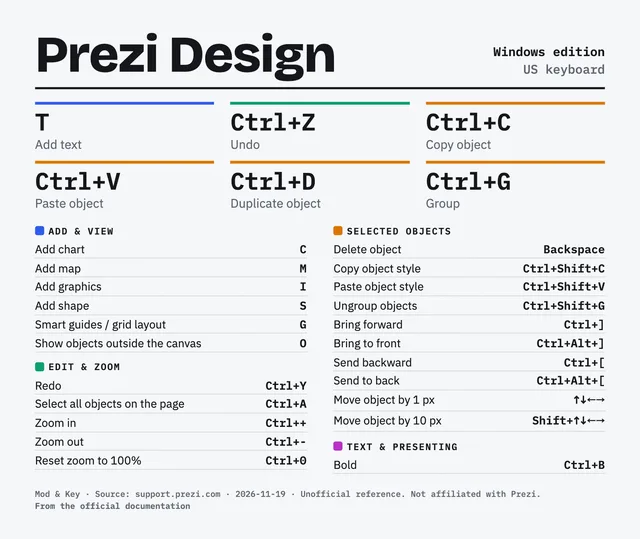
Free printable Prezi Design cheat sheet
The essential shortcuts on one page (PDF, 24 × 20 cm), for your keyboard and language.
Prezi Design shortcut questions
- What is the shortcut for “Add text” in Prezi Design on Windows?
- Press T. That is the shortcut for “Add text” in Prezi Design on Windows, as given in the official documentation.
- What is the shortcut for “Undo” in Prezi Design on Windows?
- Press Ctrl+Z. That is the shortcut for “Undo” in Prezi Design on Windows, as given in the official documentation.
- What is the shortcut for “Copy object” in Prezi Design on Windows?
- Press Ctrl+C. That is the shortcut for “Copy object” in Prezi Design on Windows, as given in the official documentation.
- Where do these Prezi Design shortcuts come from?
- From Prezi’s official documentation at support.prezi.com, retrieved November 19, 2026. Every key is copied from there, never from other websites.